Collapsible Sidebar
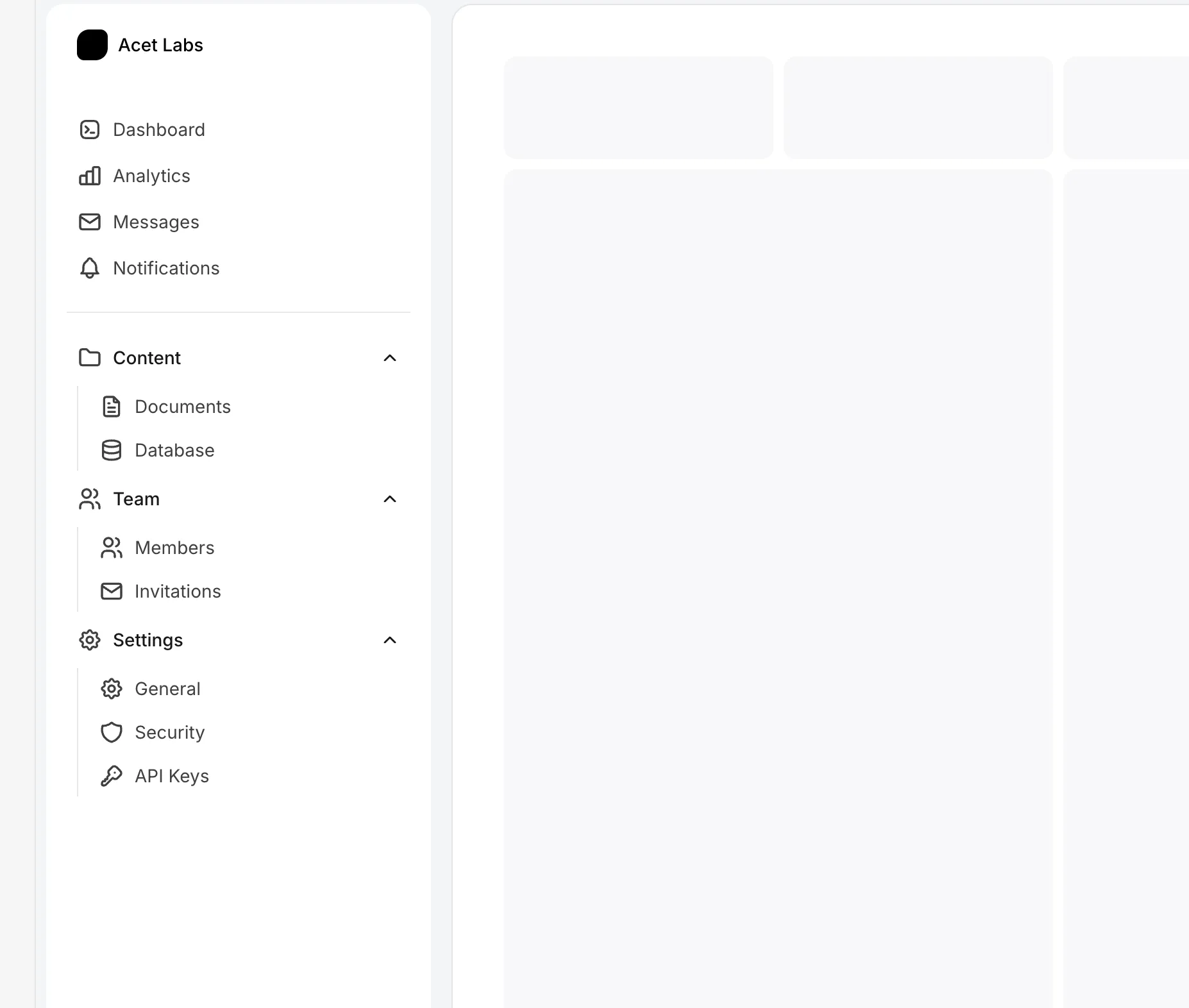
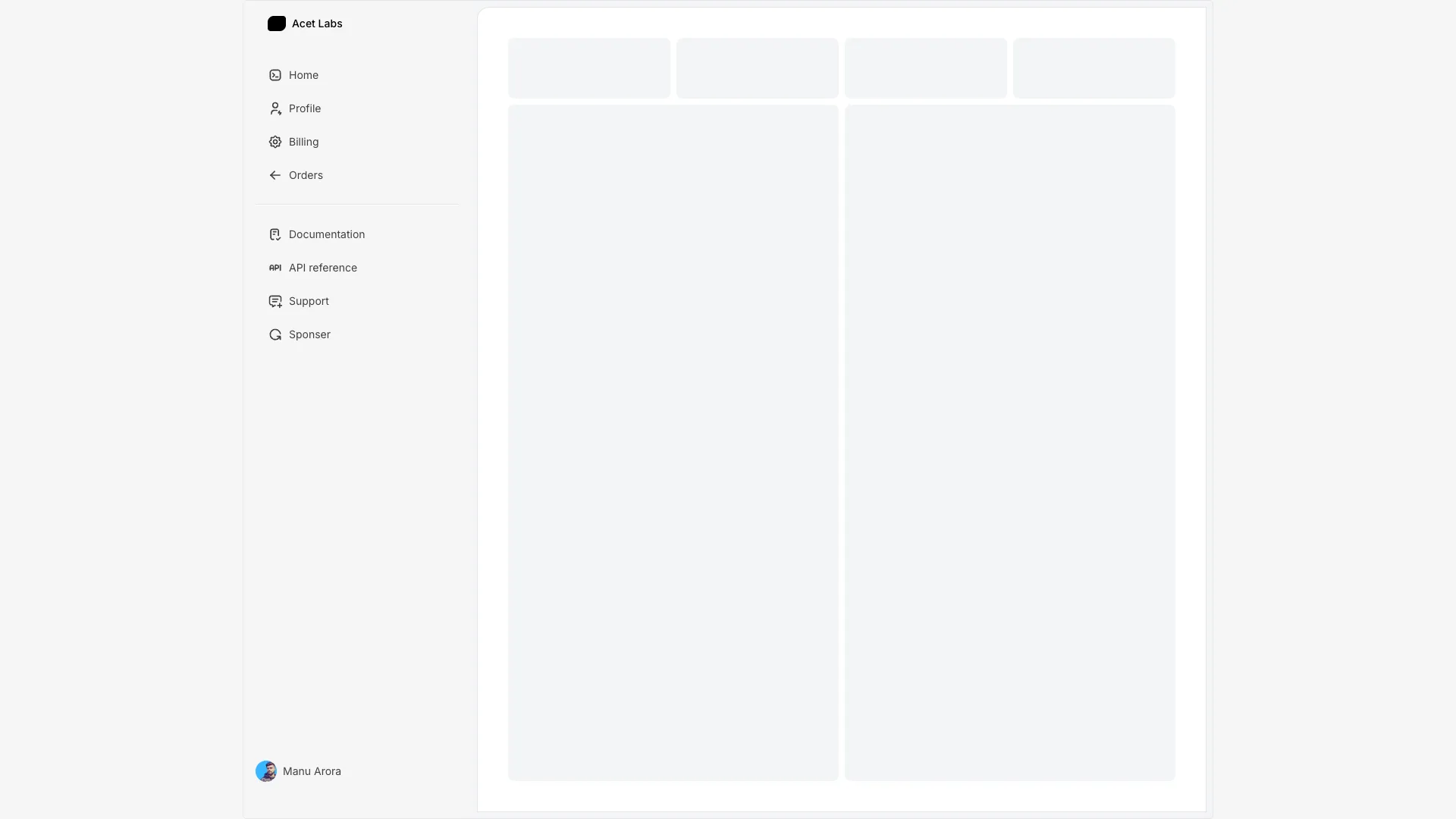
A sidebar with a toggle button to expand and collapse. Maintains state between interactions and includes a smooth width transition.

Unlike the hover sidebar, this version uses an explicit toggle button (arrow icon) to control open/close state. The state is stored in useState and persists until the user clicks the toggle again.
When collapsed, the sidebar shows only icons. When expanded, icons and labels display side by side. The Framer Motion animate prop smoothly transitions the width between collapsed (60px) and expanded (200px) states.
The sidebar uses React Context to share open state with child components. Links can check this context to determine whether to show labels. A SidebarLink component handles the conditional rendering.
Works well for applications where users prefer manual control over sidebar visibility, complex dashboards, or anywhere persistent sidebar state improves the user experience.
More from Sidebars
Included with All-Access
One payment unlocks the code for this block and every other block, template and page.
Get All-AccessAbout this block
Unlike the hover sidebar, this version uses an explicit toggle button (arrow icon) to control open/close state. The state is stored in useState and persists until the user clicks the toggle again.
When collapsed, the sidebar shows only icons. When expanded, icons and labels display side by side. The Framer Motion animate prop smoothly transitions the width between collapsed (60px) and expanded (200px) states.
The sidebar uses React Context to share open state with child components. Links can check this context to determine whether to show labels. A SidebarLink component handles the conditional rendering.
Works well for applications where users prefer manual control over sidebar visibility, complex dashboards, or anywhere persistent sidebar state improves the user experience.