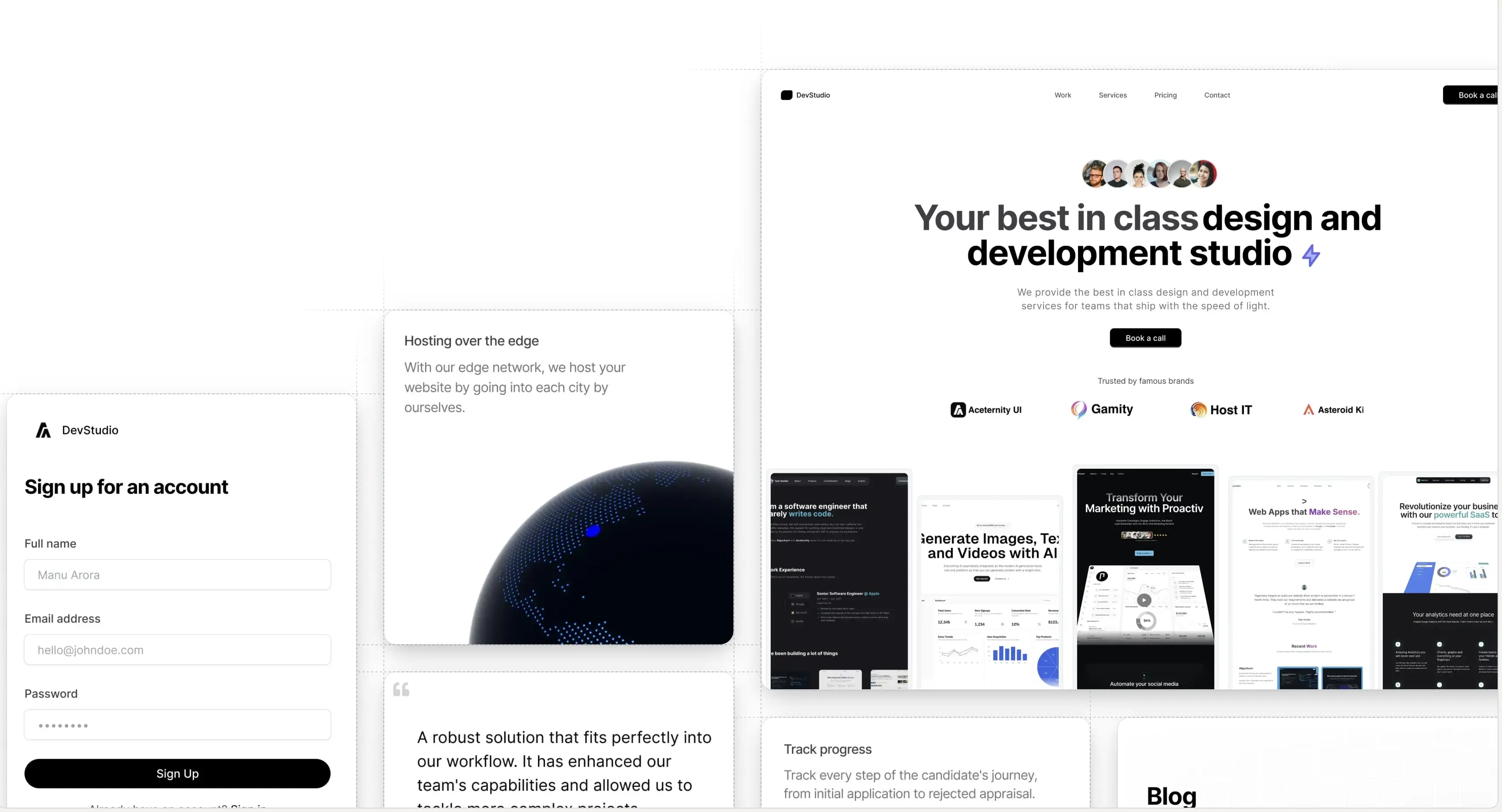
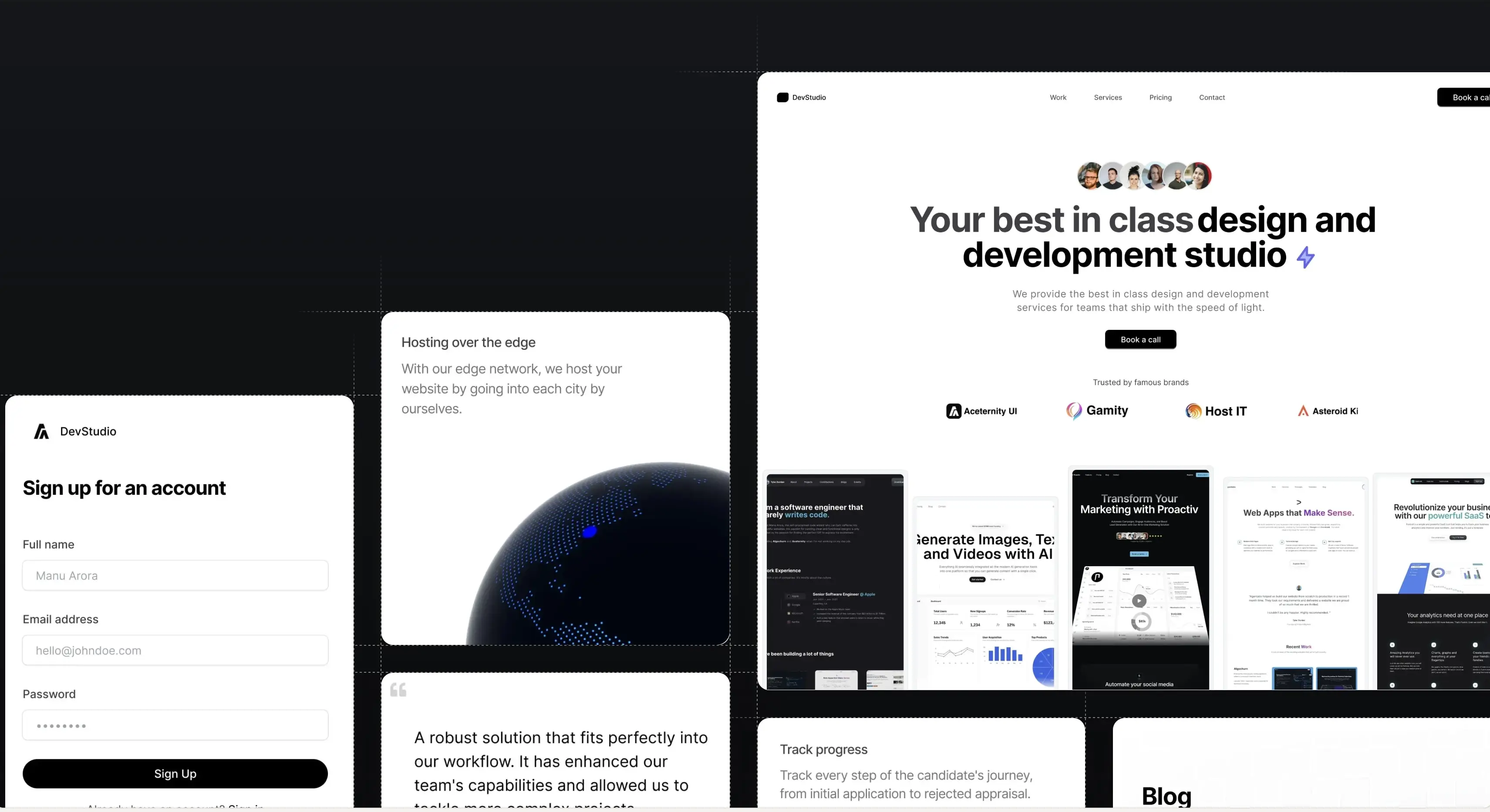
A floating, configurable notch that pins to the top or bottom of the screen. Pass an array of items with links and it animates the active state as you switch between them.

The serenity of the sea
Use the notch below to change my background color and text alignment.
Click over here
Installation
Run the following command
npx shadcn@latest add @aceternity/notchProps
Notch
| Prop | Type | Default | Description |
|---|---|---|---|
items | NotchItem[] | — | The groups shown inside the notch. Pass one or many. |
position | "top" | "bottom" | "bottom" | Pin the notch to the top or bottom of the viewport. |
align | "start" | "center" | "end" | "center" | Horizontal alignment of the floating notch. |
onItemChange | (itemId: string, optionId: string, option) => void | — | Fired for any group change, alongside the per-item callback. |
closeOnSelect | boolean | true | Close the panel after selecting an option. |
showSelectedValue | boolean | true | Show each group's selected value next to its trigger label. |
showDividers | boolean | true | Render dotted dividers between groups. |
accentColor | string | var(--color-blue-500, #3b82f6) | Highlight color for the selected option. Any CSS color/variable. |
offset | number | 16 | Distance from the pinned edge, in pixels. |
reveal | boolean | true | Play the entrance animation on mount. |
className | string | — | Classes applied to the floating shell. |
itemClassName | string | — | Classes applied to every trigger. |
panelClassName | string | — | Classes applied to the options panel. |
NotchItem
| Prop | Type | Default | Description |
|---|---|---|---|
id | string | — | Stable identifier for the group. |
label | React.ReactNode | — | Trigger label shown in the bar. |
icon | React.ReactNode | — | Optional leading icon for the trigger. |
options | NotchOption[] | — | The choices revealed when the group is opened. |
defaultValue | string | first option | Uncontrolled initial selected option id. |
value | string | — | Controlled selected option id. |
showValue | boolean | — | Show this group's selected value. Overrides showSelectedValue. |
onChange | (optionId: string, option: NotchOption) => void | — | Fires with the selected option whenever it changes. |
NotchOption
| Prop | Type | Default | Description |
|---|---|---|---|
id | string | — | Stable identifier passed back in callbacks. |
label | React.ReactNode | — | What renders for this option. |
icon | React.ReactNode | — | Optional leading node (icon, swatch, etc.) before label. |
Build websites faster and 10x better than your competitors with
Aceternity UI Pro
Next.js 15, Tailwind CSS v4 and Motion for react powered templates
200+ templates and blocks combined
Ready to copy paste component blocks, save days of development time