Navbar With Children
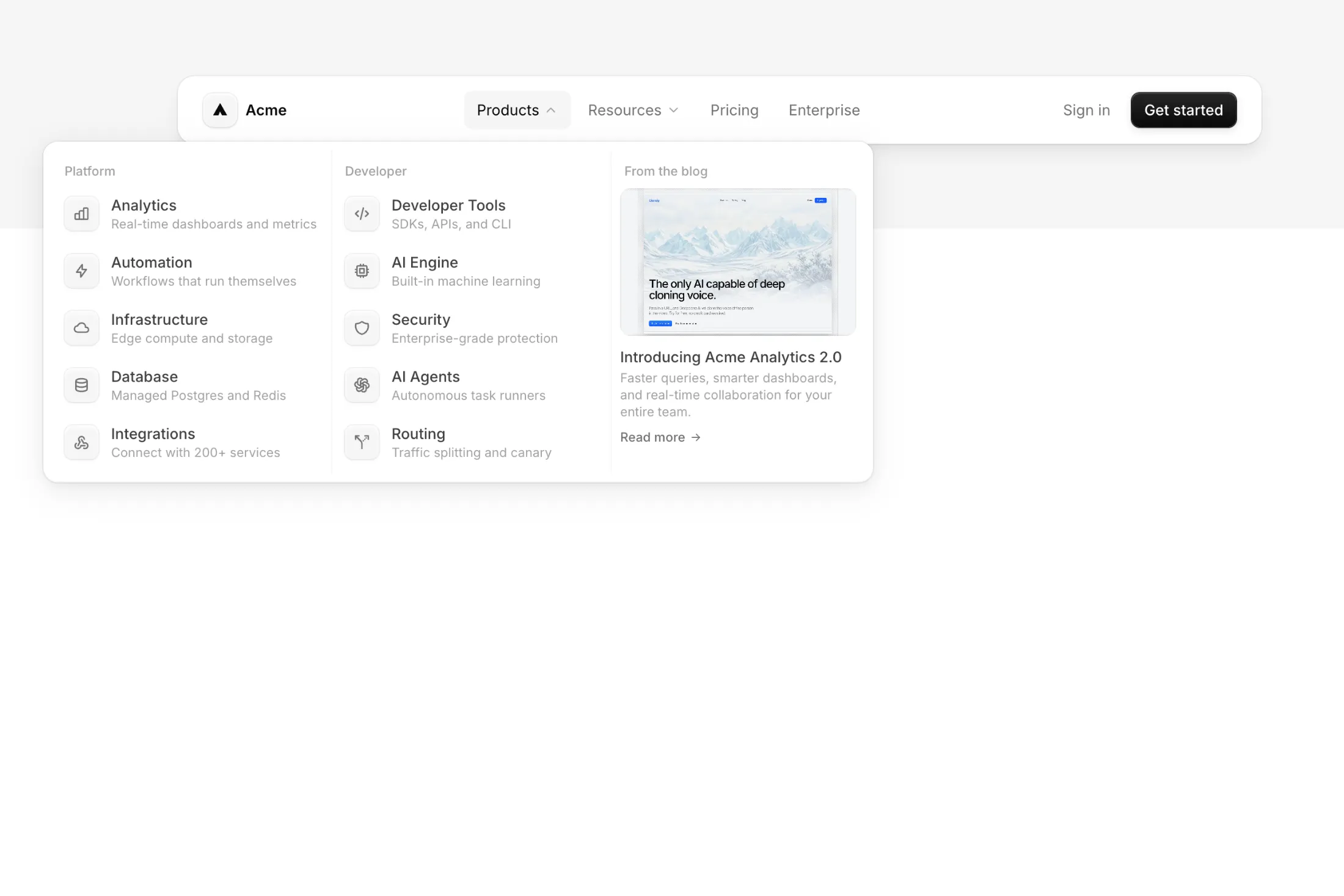
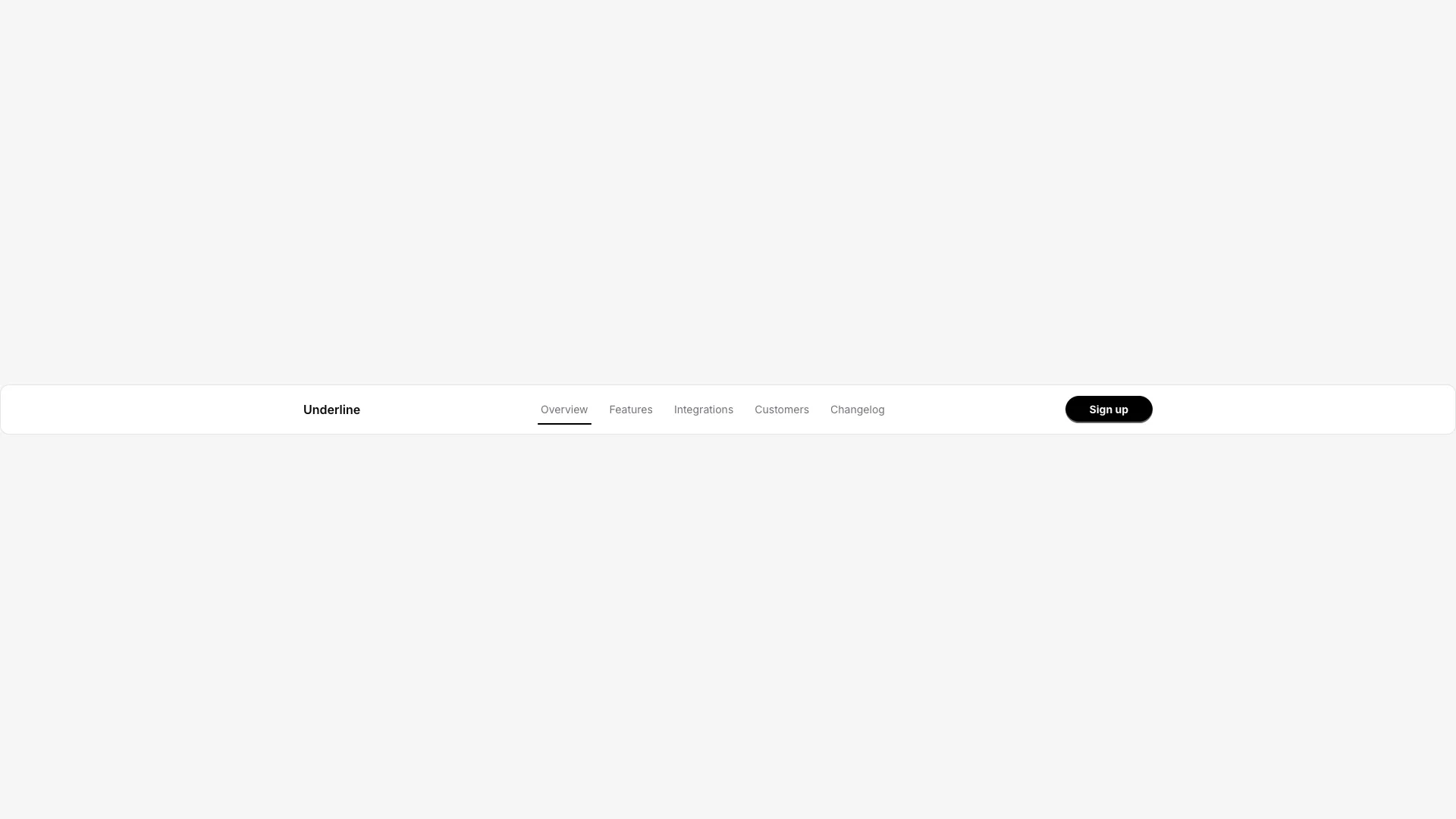
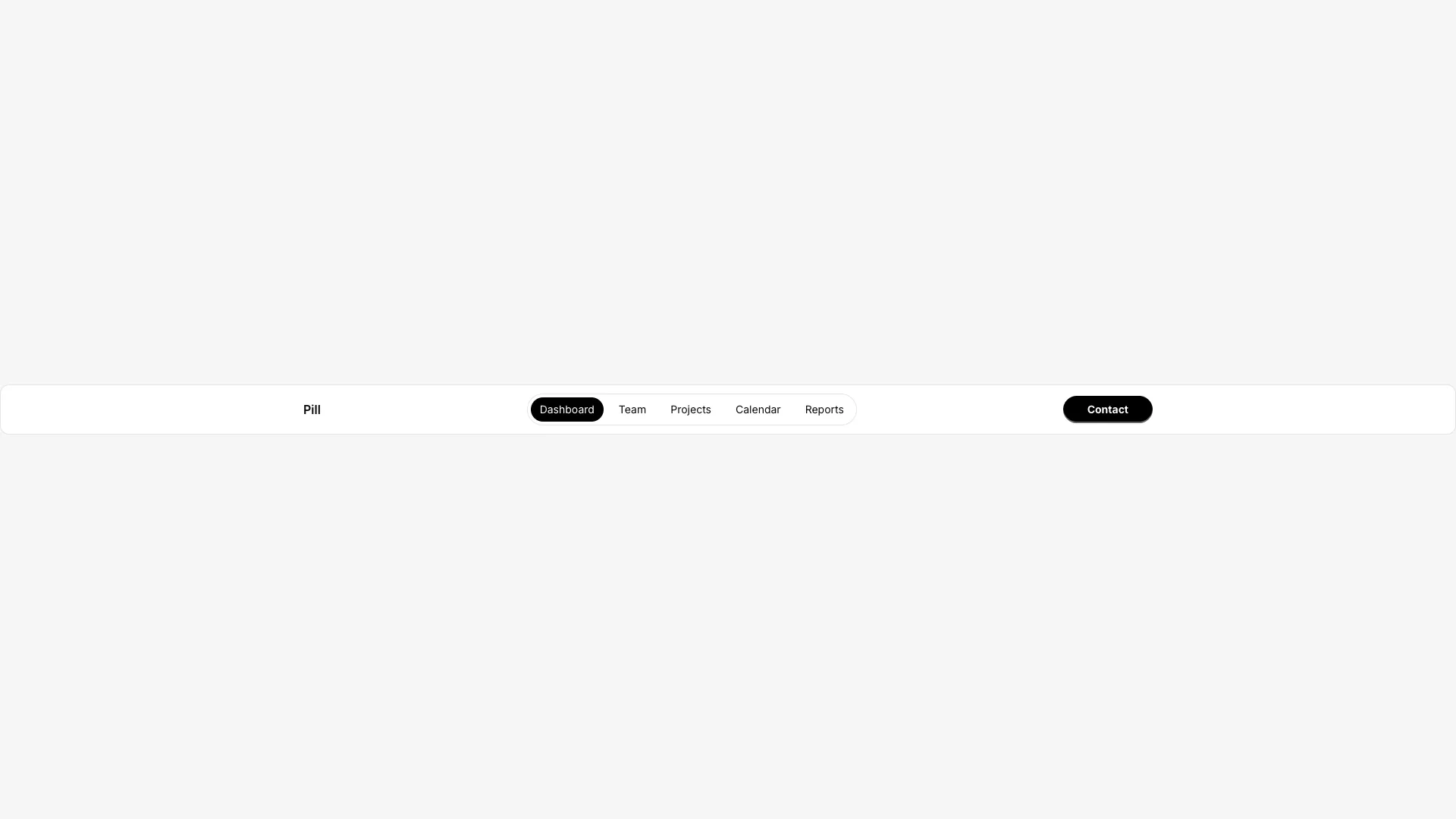
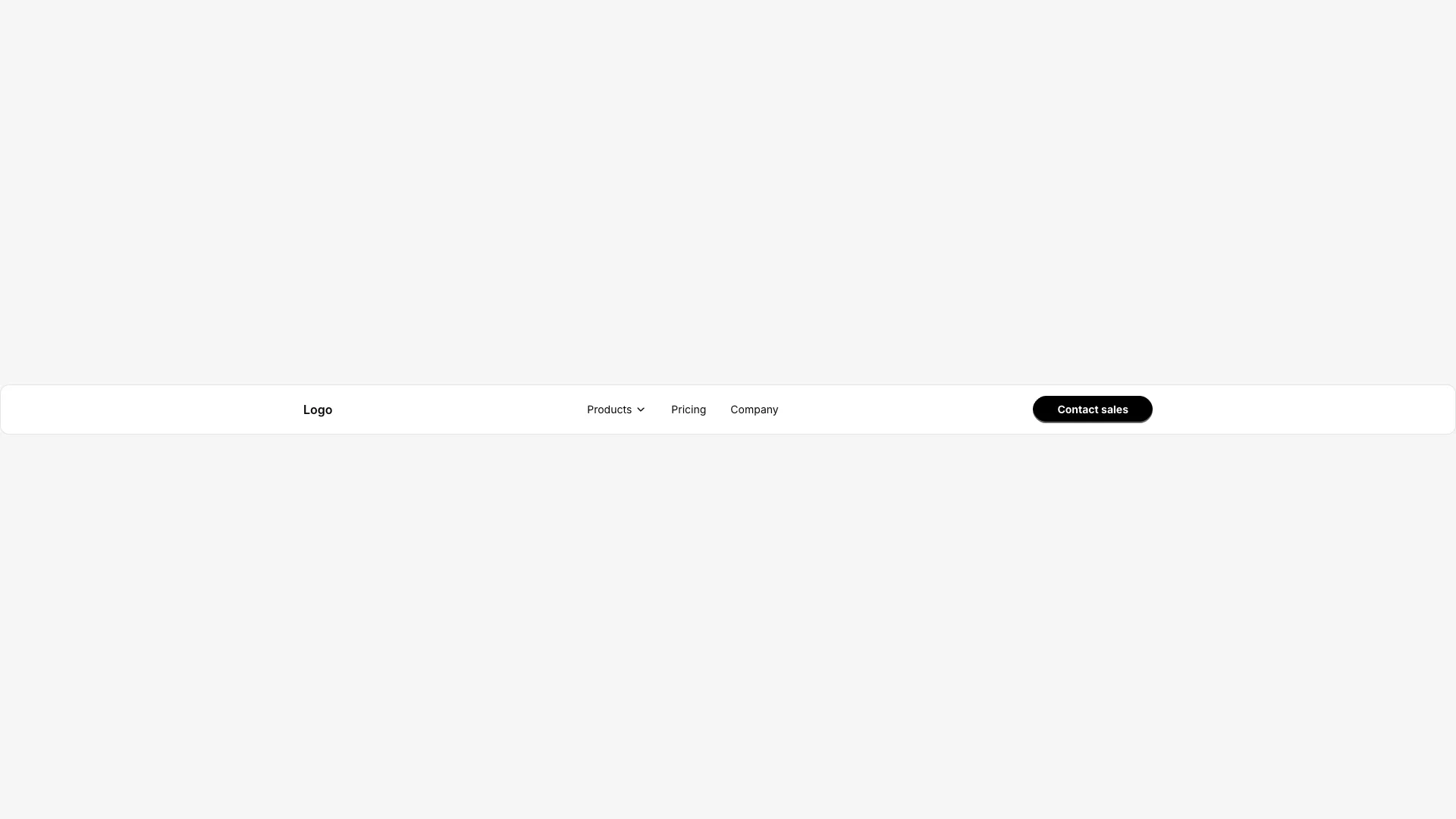
A navbar with dropdown menus that reveal on hover. Dropdowns can contain links, product cards with images, or nested navigation.

Nav items that have children display a chevron icon. Hovering reveals a dropdown panel using AnimatePresence with perspective transforms. The dropdown animates from above with opacity and rotateX effects.
Dropdowns can contain simple link lists or ProductItem components with images, titles, and descriptions. The Products dropdown uses a two-column grid layout for visual product cards.
Active state is tracked to ensure only one dropdown shows at a time. Leaving the menu area closes all dropdowns. The background uses a blur-md backdrop filter for a glassmorphism effect.
The mobile version shows a hamburger menu that reveals a full list of all items including children. Works well for product sites, documentation, or apps with multiple feature categories to showcase.
More from Navbars
Included with All-Access
One payment unlocks the code for this block and every other block, template and page.
Get All-AccessAbout this block
Nav items that have children display a chevron icon. Hovering reveals a dropdown panel using AnimatePresence with perspective transforms. The dropdown animates from above with opacity and rotateX effects.
Dropdowns can contain simple link lists or ProductItem components with images, titles, and descriptions. The Products dropdown uses a two-column grid layout for visual product cards.
Active state is tracked to ensure only one dropdown shows at a time. Leaving the menu area closes all dropdowns. The background uses a blur-md backdrop filter for a glassmorphism effect.
The mobile version shows a hamburger menu that reveals a full list of all items including children. Works well for product sites, documentation, or apps with multiple feature categories to showcase.