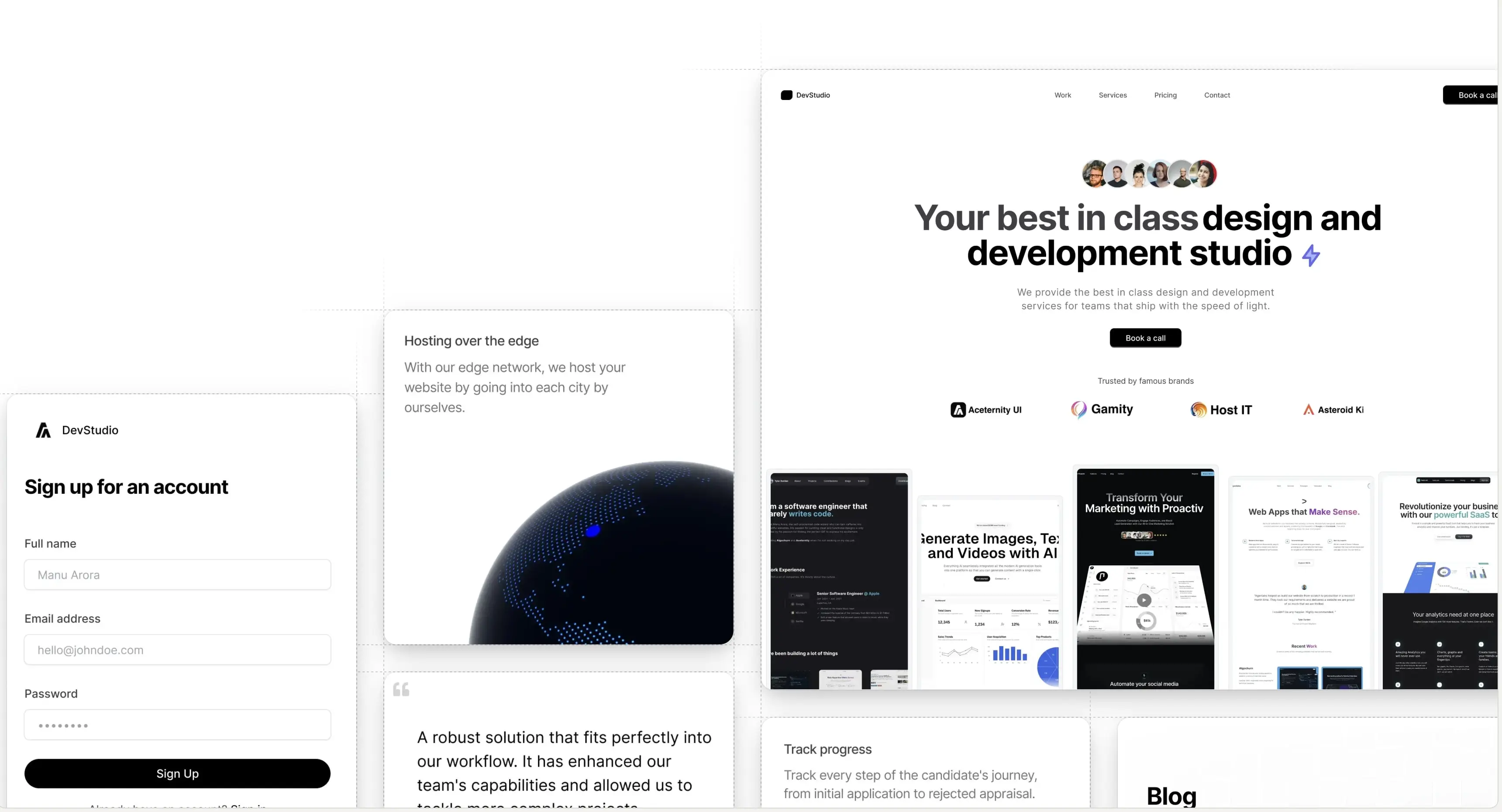
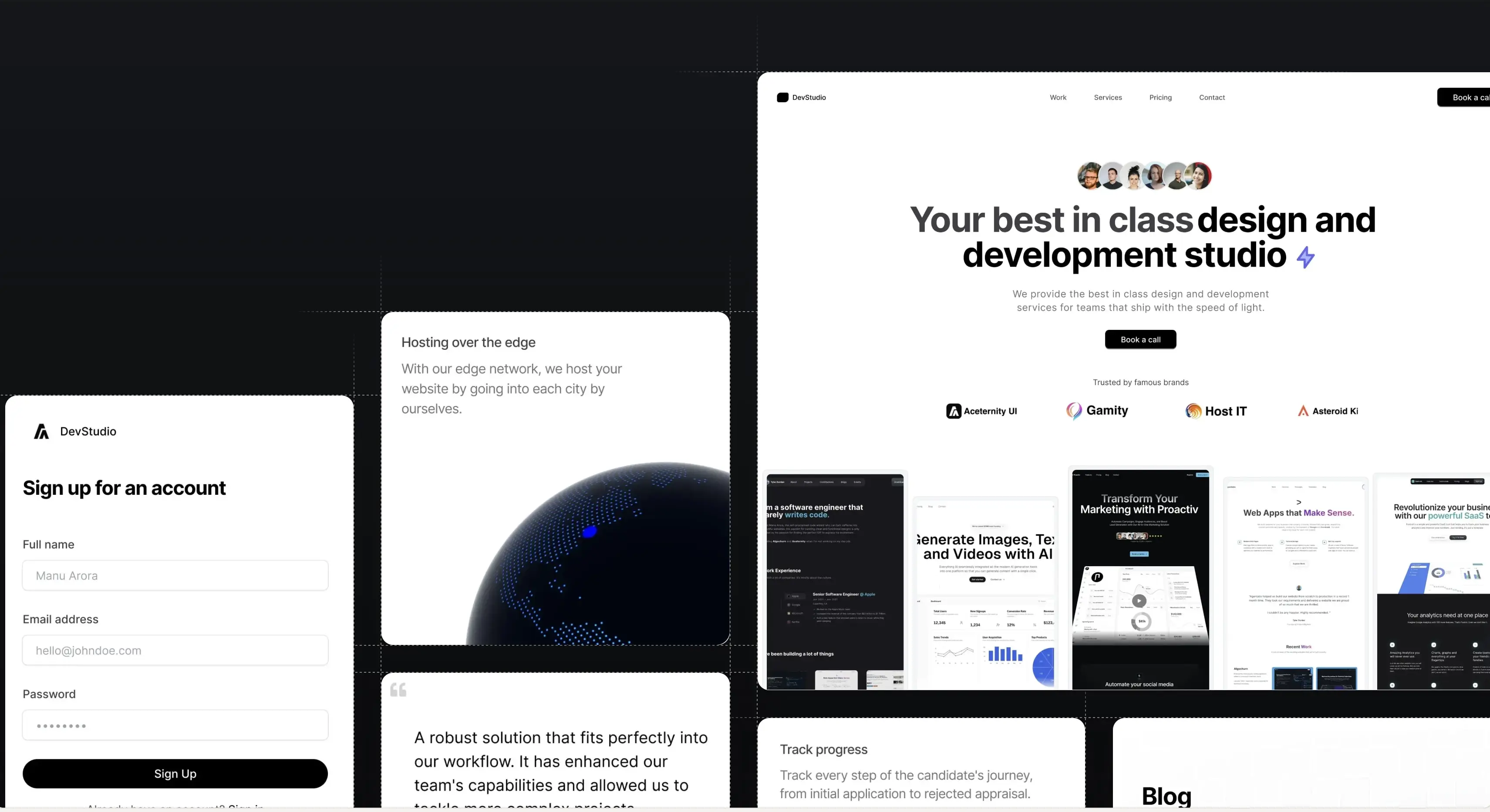
AI Visibility Landing Page
A light and dark landing page for Cited, a tool that gets brands named in ChatGPT, Claude and Google, with a live dashboard hero, pricing and FAQ.
About AI Visibility Landing Page
A full landing page for Cited, a tool that shows a brand where it appears in Google and in AI answers from ChatGPT, Claude, Codex and Perplexity, and what to fix to appear more. The page is minimal and monochrome, on white with soft gray frames, and it has a light and a dark theme.
The hero headline mixes words with small engine icons that open into place. Below it, a 16:9 dashboard plays one short story: a daily check runs, ChatGPT writes its answer word by word, and the brand climbs from #4 to #1. The nav turns into a floating pill as you scroll.
After the hero comes an arc of real-looking AI answers that drifts past, then a features bento with a magnifier that finds a wrong claim, an engine checklist, a page that writes its own fix, and a share-of-voice stat. A "How it works" panel steps through three faux screens on its own. An isometric wireframe ladder fills with ink when you hover a step, above four stat tiles that each show their number at work.
The page ends with testimonials, three pricing plans with a monthly and yearly toggle where only the changed digits roll, a grouped FAQ, a final call to action, and a footer.
One command installs the page at app/ai-visibility-landing-page/page.tsx and each section at components/ai-visibility-landing-page/, so you can reorder sections or swap the copy for your own product.
Sections in this page
Each section is written for this page and installs as its own component.
- 01Navbar
components/ai-visibility-landing-page/navbar.tsx - 02Hero with dashboard
components/ai-visibility-landing-page/hero.tsx - 03AI answers arc
components/ai-visibility-landing-page/answers.tsx - 04Features
components/ai-visibility-landing-page/features.tsx - 05How it works
components/ai-visibility-landing-page/how-it-works.tsx - 06Visibility ladder and stats
components/ai-visibility-landing-page/ladder.tsx - 07Testimonials
components/ai-visibility-landing-page/testimonials.tsx - 08Pricing
components/ai-visibility-landing-page/pricing.tsx - 09FAQ
components/ai-visibility-landing-page/faq.tsx - 10Call to action and footer
components/ai-visibility-landing-page/cta-footer.tsx
Frequently asked questions
- How do I install the AI Visibility Landing Page?
- Run npx shadcn@latest add @aceternity/ai-visibility-landing-page in your terminal. Before installing, add the Aceternity Pro registry to your components.json and set your API token as the ACETERNITY_PRO_TOKEN environment variable. The CLI installs the page file, all 10 section components, and their dependencies in one step.
- Can I change the sections in the AI Visibility Landing Page?
- Yes. Every section is a separate component in components/ai-visibility-landing-page, and the page file only imports and orders them. All sections share one brand and one voice, so you can replace the copy in one pass. Reorder or remove sections by editing the page file.
- Is this page included with All-Access?
- Yes. Pages are included with the Aceternity UI All-Access plan. With All-Access you can preview the page, read every file, and install it with the shadcn CLI.
- What frameworks does this page work with?
- The page is built for Next.js with the App Router, React, TypeScript, Tailwind CSS v4, and Motion. The sections are plain React components, so they also work in any React-based framework, such as TanStack Start, Vite, React Router, Remix, or Astro with React, when Tailwind CSS and Motion are set up.
Install needs the Aceternity registry in your components.json. Set up the CLI · All pages
Build websites faster and 10x better than your competitors with
Aceternity UI Pro
Next.js 15, Tailwind CSS v4 and Motion for react powered templates
200+ templates and blocks combined
Ready to copy paste component blocks, save days of development time