
Pricing With Header and Icons
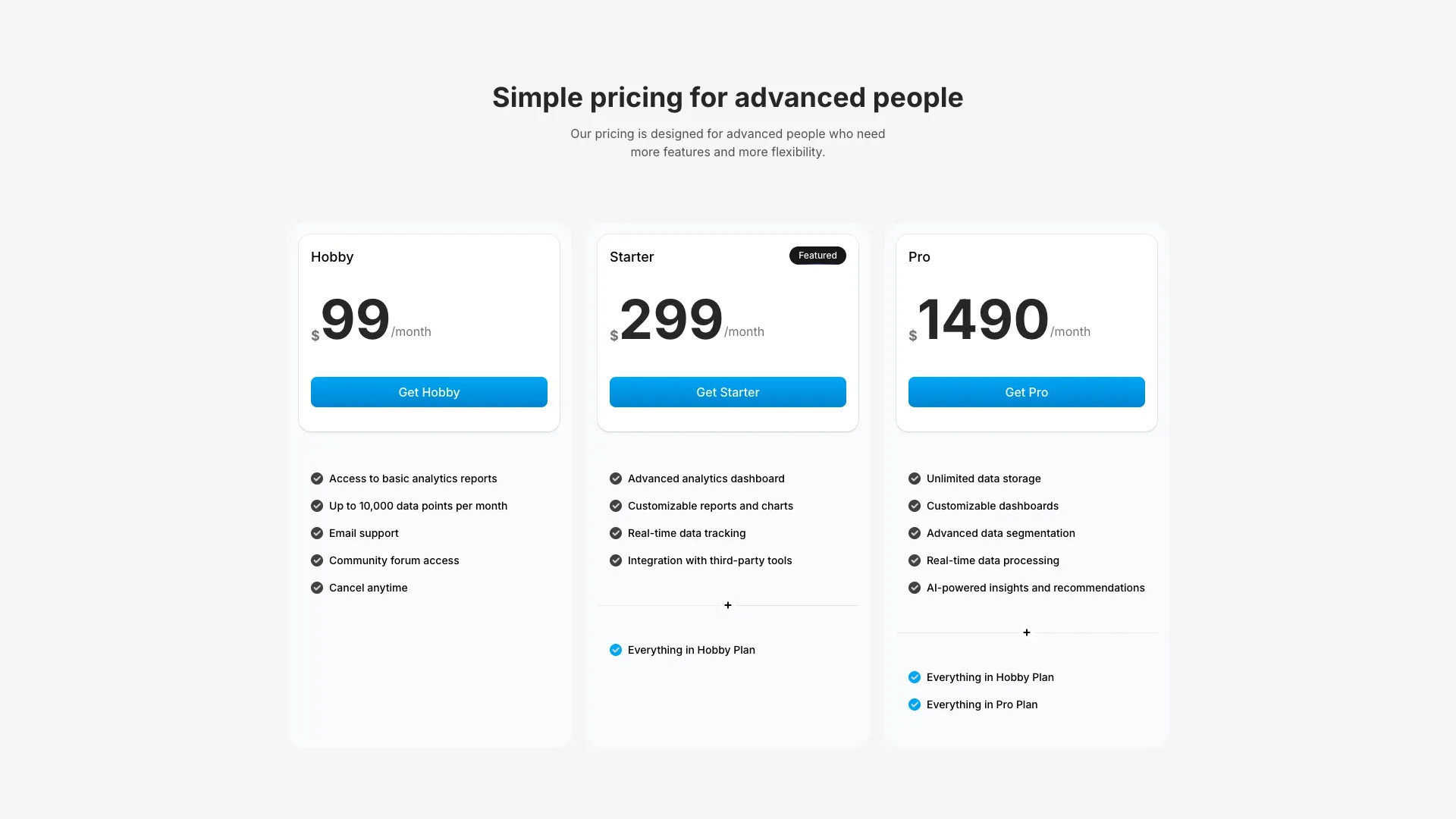
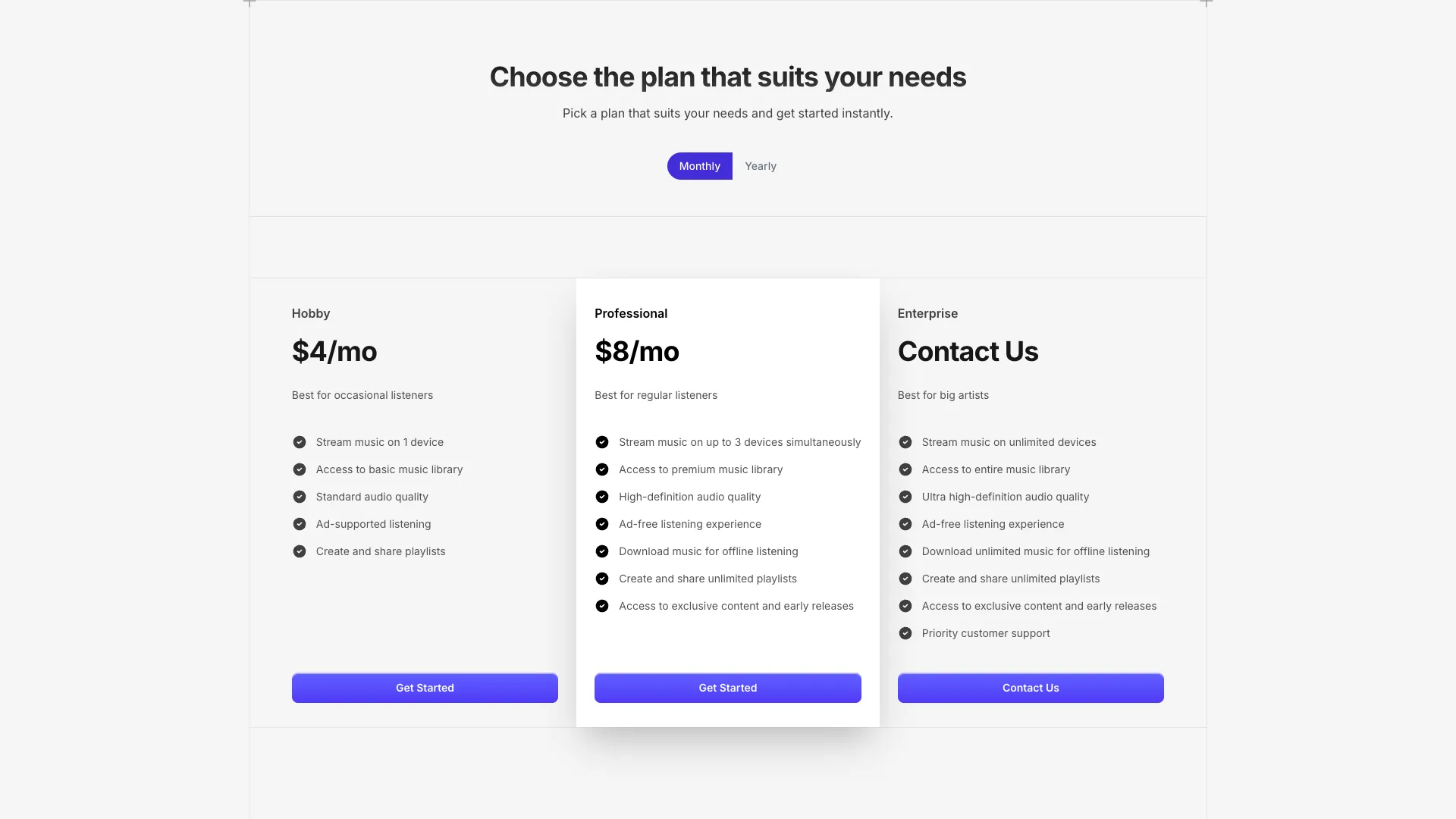
Data-driven pricing section with three tiers, featured plan styling, checkmark icons, and full dark mode support. Plans are defined as a typed array for easy customization.
Pick a pricing that fits your needs
Every plan includes a free tier. Choose the one that fits your needs.
Hobby
For indie hackers trying out AI for the first time.
Hobby plan includes
120 projects per month
Unlimited workspaces
2 AI Model Choices
History & Export
Basic email support
1 member seat
Pro
For teams that need more power and flexibility.
Pro plan includes
Unlimited projects
Unlimited workspaces
All AI Models included
History & Export
Priority email support
10 member seats
Enterprise
For large organizations with custom needs.
Enterprise plan includes
Everything in Pro
Custom integrations
Dedicated account manager
SSO & SAML
24/7 phone support
Unlimited member seats
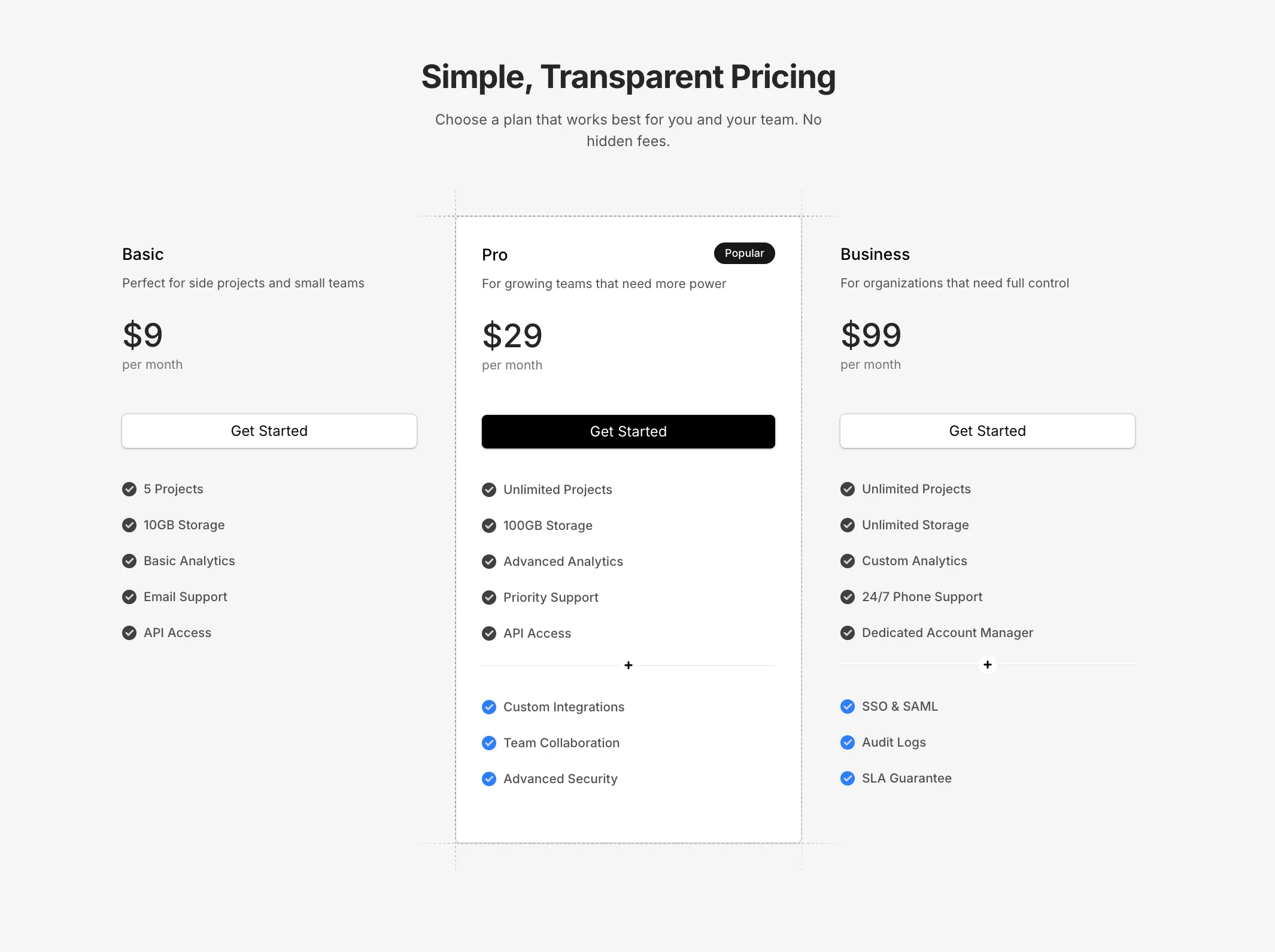
A data-driven pricing component with three tiers displayed in a responsive grid. Each plan is defined in a typed Plan array, making it simple to update prices, descriptions, and feature lists.
The featured plan inverts the color scheme—dark background in light mode, light background in dark mode—to make it stand out. The CTA button on the featured plan uses a gradient style while other plans keep a subtle shadowed button.
Features are rendered as React nodes, giving you full control to add bold text or custom formatting within each feature item. Each feature displays with a checkmark icon using the Step component.
The horizontal dashed line separator between the button and features uses the GridLineHorizontal component, which adapts its colors based on the featured state and current theme.
All shadows respond to dark mode—light mode uses subtle black shadows while dark mode uses faint white shadows with border rings.
More from Pricing sections
Included with All-Access
One payment unlocks the code for this block and every other block, template and page.
Get All-AccessExplore more
About this block
A data-driven pricing component with three tiers displayed in a responsive grid. Each plan is defined in a typed Plan array, making it simple to update prices, descriptions, and feature lists.
The featured plan inverts the color scheme—dark background in light mode, light background in dark mode—to make it stand out. The CTA button on the featured plan uses a gradient style while other plans keep a subtle shadowed button.
Features are rendered as React nodes, giving you full control to add bold text or custom formatting within each feature item. Each feature displays with a checkmark icon using the Step component.
The horizontal dashed line separator between the button and features uses the GridLineHorizontal component, which adapts its colors based on the featured state and current theme.
All shadows respond to dark mode—light mode uses subtle black shadows while dark mode uses faint white shadows with border rings.