Pricing Minimal
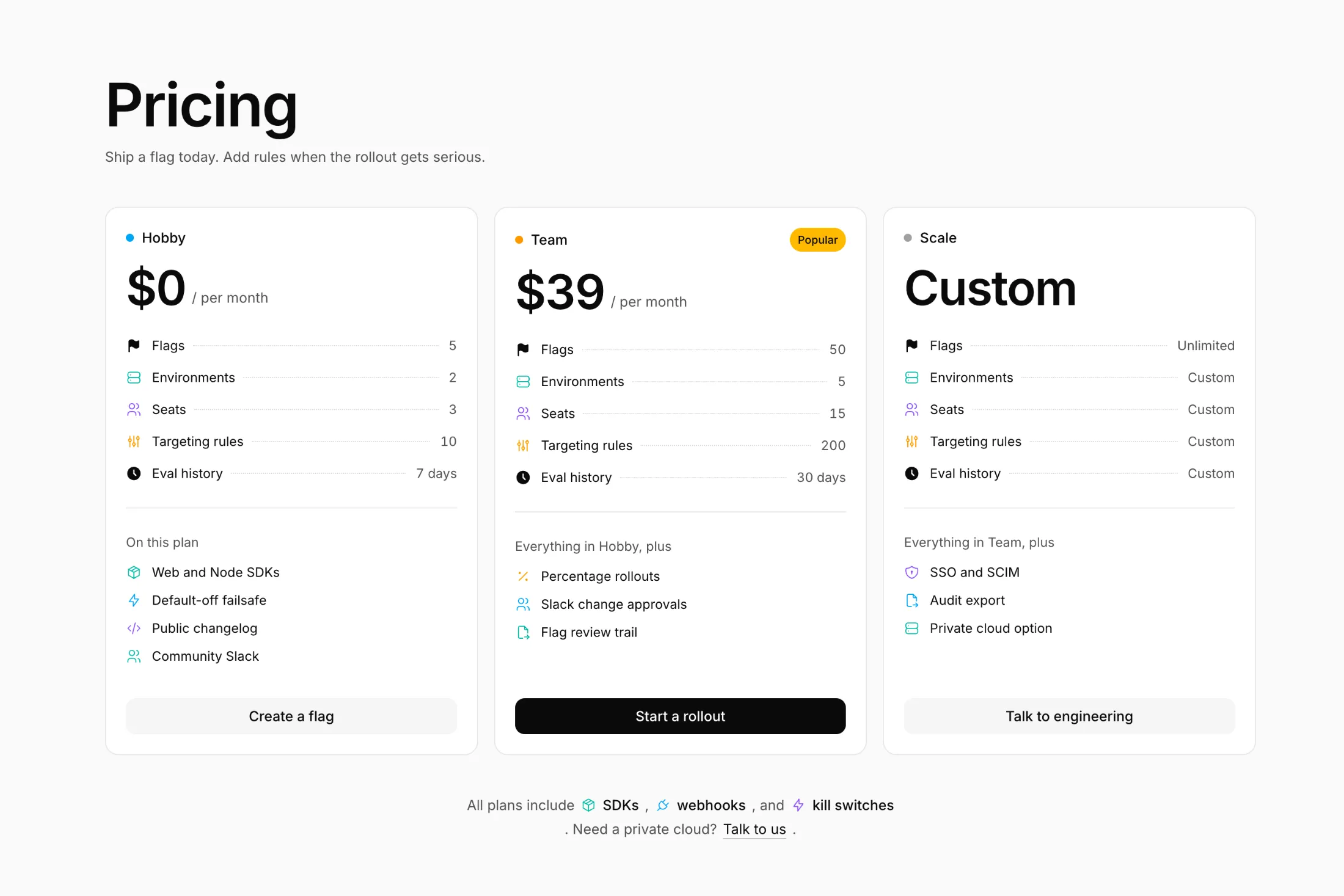
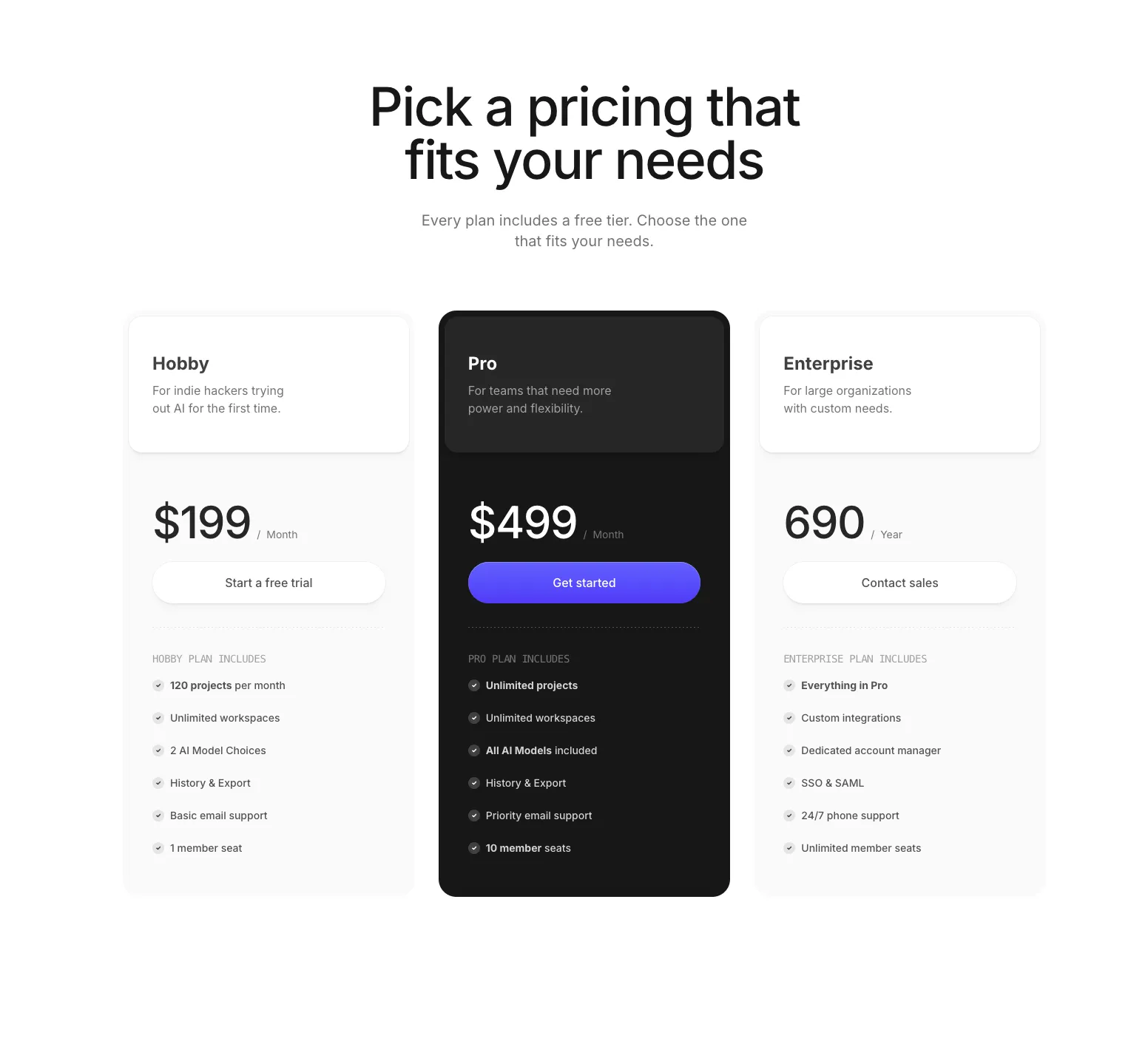
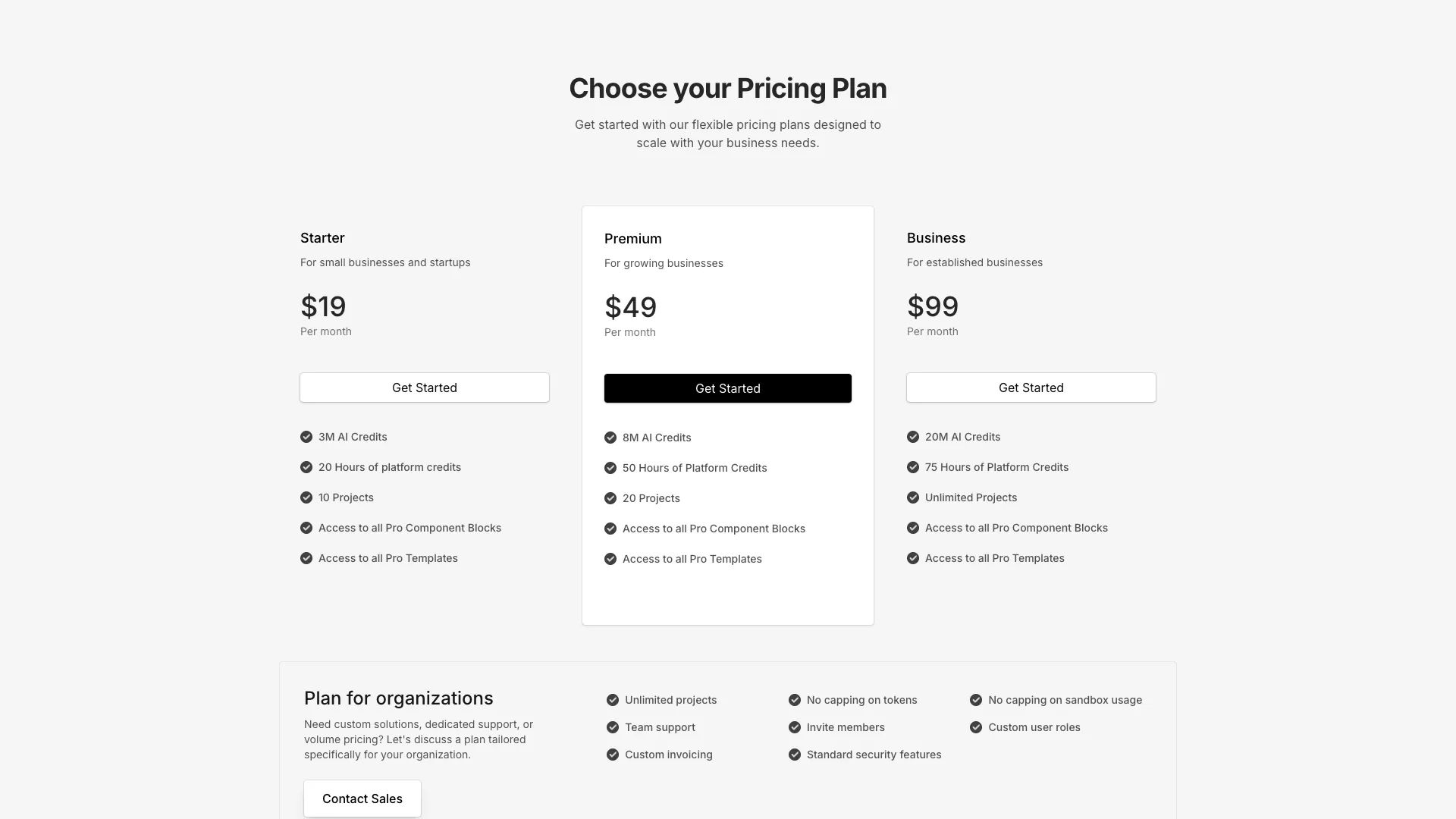
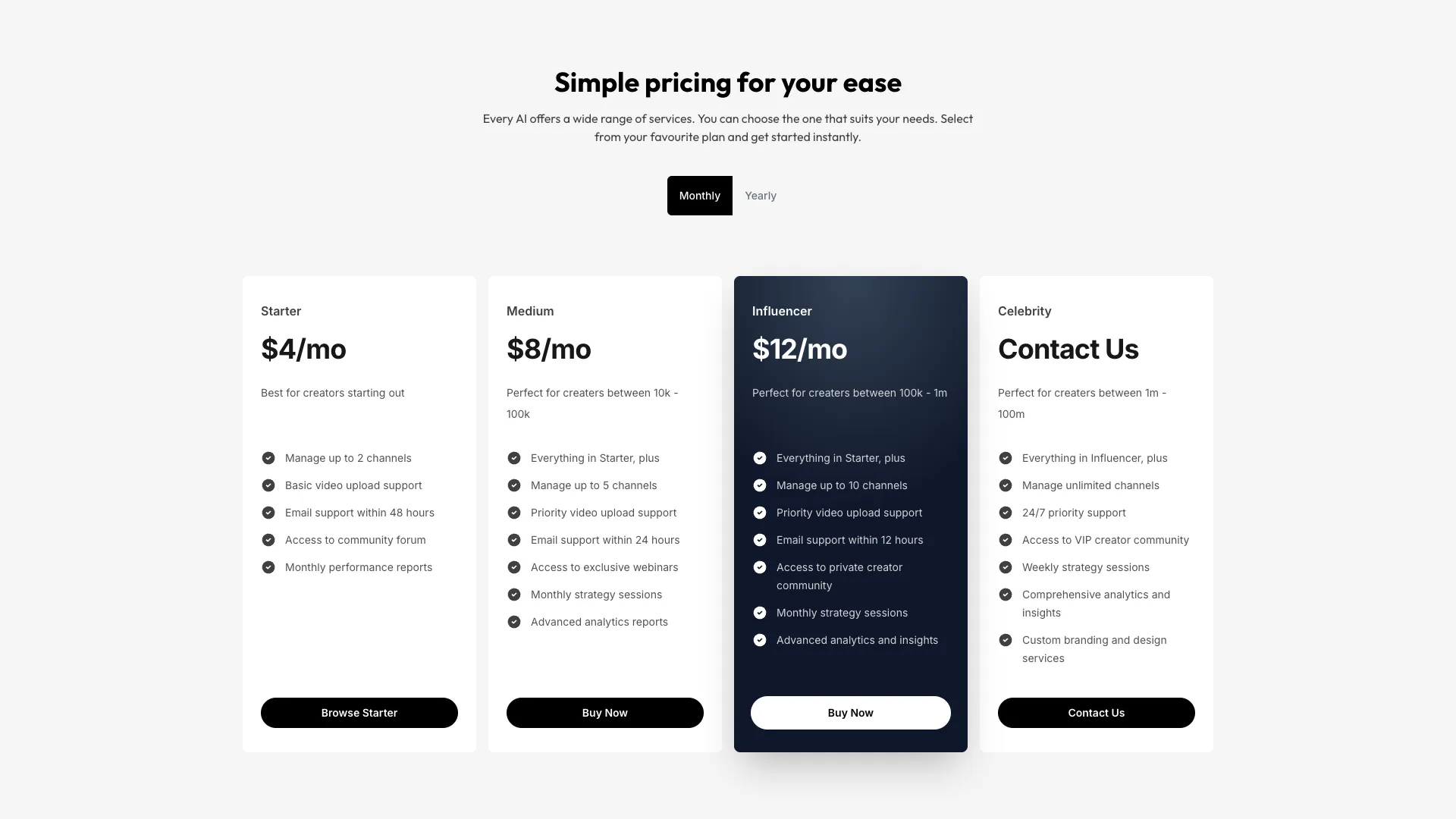
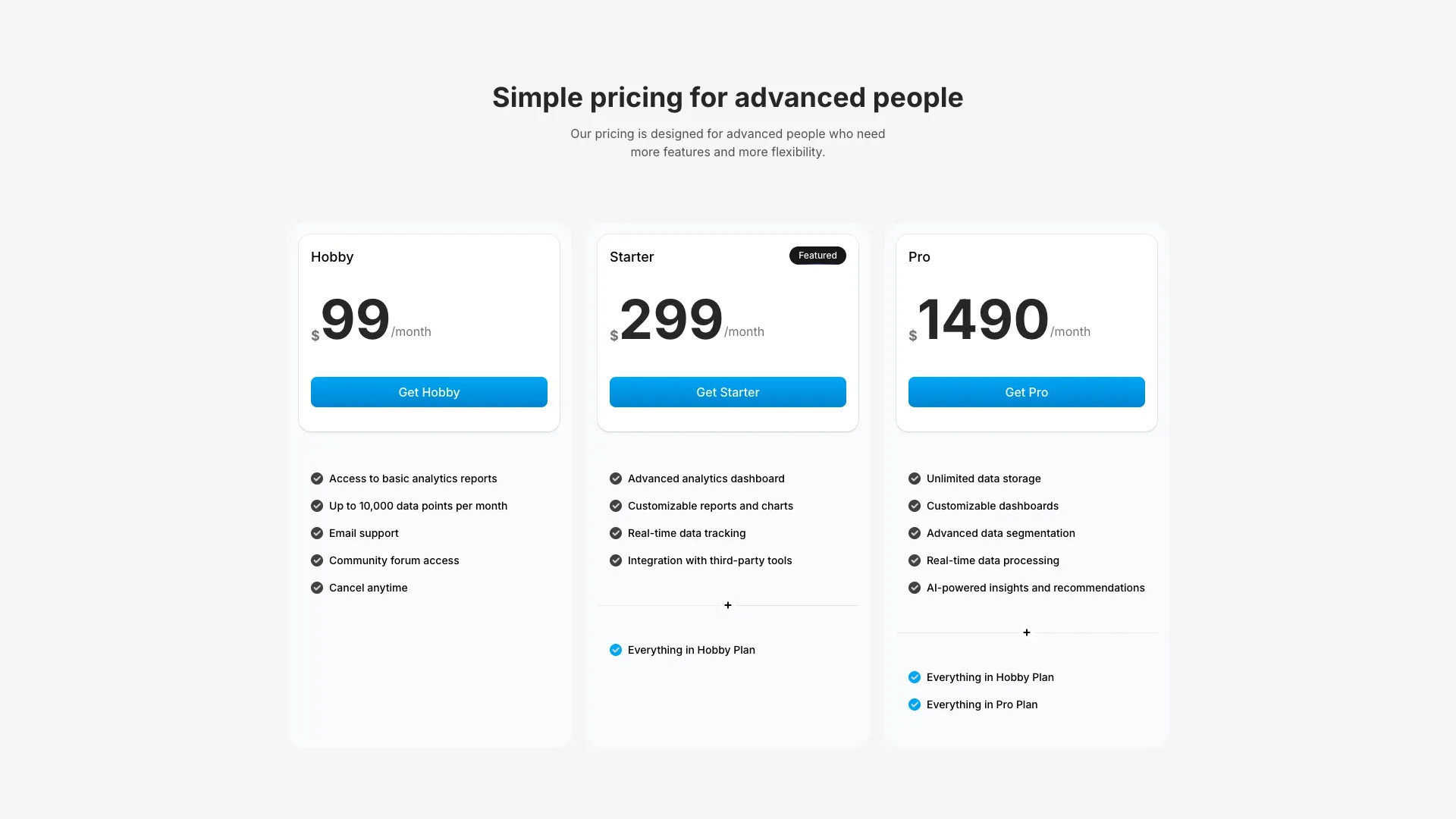
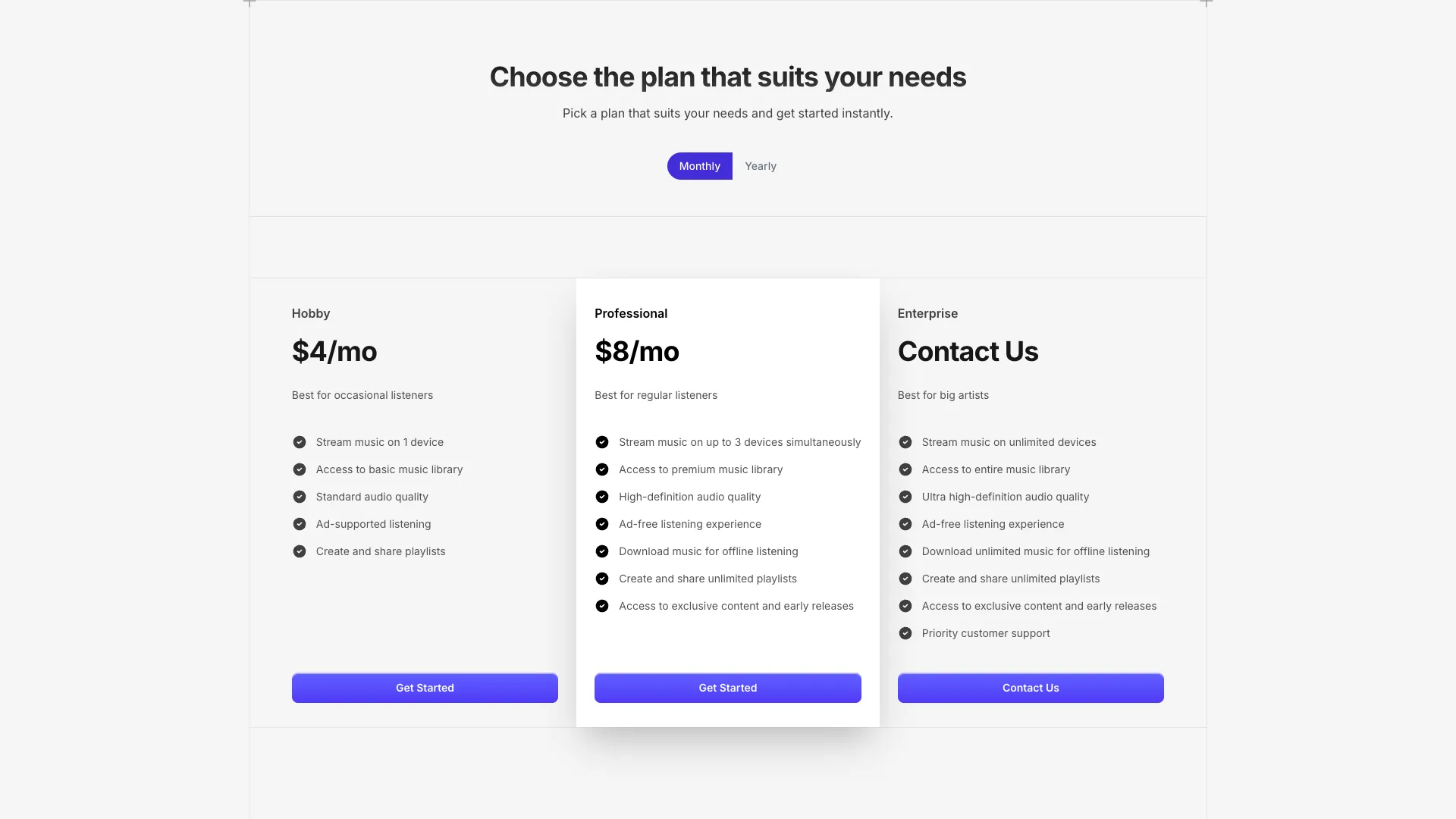
A clean minimal pricing component with three tiers, dashed grid line accents on the featured card, and additional features section with divider.
Simple, Transparent Pricing
Choose a plan that works best for you and your team. No hidden fees.
Basic
Perfect for side projects and small teams
Pro
For growing teams that need more power
Business
For organizations that need full control
A clean, minimal pricing component with three pricing tiers displayed in a responsive grid layout. The component is fully self-contained with mock data that you can easily customize.
The featured card (Pro tier) is highlighted with dashed grid lines on all four edges using the GridLineHorizontal and GridLineVertical components. These create a subtle visual accent that draws attention to the recommended plan.
Each card supports an optional additionalFeatures array that renders below a decorative divider with a plus icon in the center. Features are displayed with checkmark icons, using different colors for regular features (neutral) versus additional features (blue).
The pricing data is defined as a simple array of plan objects, making it easy to modify prices, features, and plan names without touching the component structure.
More from Pricing sections
Included with All-Access
One payment unlocks the code for this block and every other block, template and page.
Get All-AccessExplore more
About this block
A clean, minimal pricing component with three pricing tiers displayed in a responsive grid layout. The component is fully self-contained with mock data that you can easily customize.
The featured card (Pro tier) is highlighted with dashed grid lines on all four edges using the GridLineHorizontal and GridLineVertical components. These create a subtle visual accent that draws attention to the recommended plan.
Each card supports an optional additionalFeatures array that renders below a decorative divider with a plus icon in the center. Features are displayed with checkmark icons, using different colors for regular features (neutral) versus additional features (blue).
The pricing data is defined as a simple array of plan objects, making it easy to modify prices, features, and plan names without touching the component structure.