CTA With Masonry Images
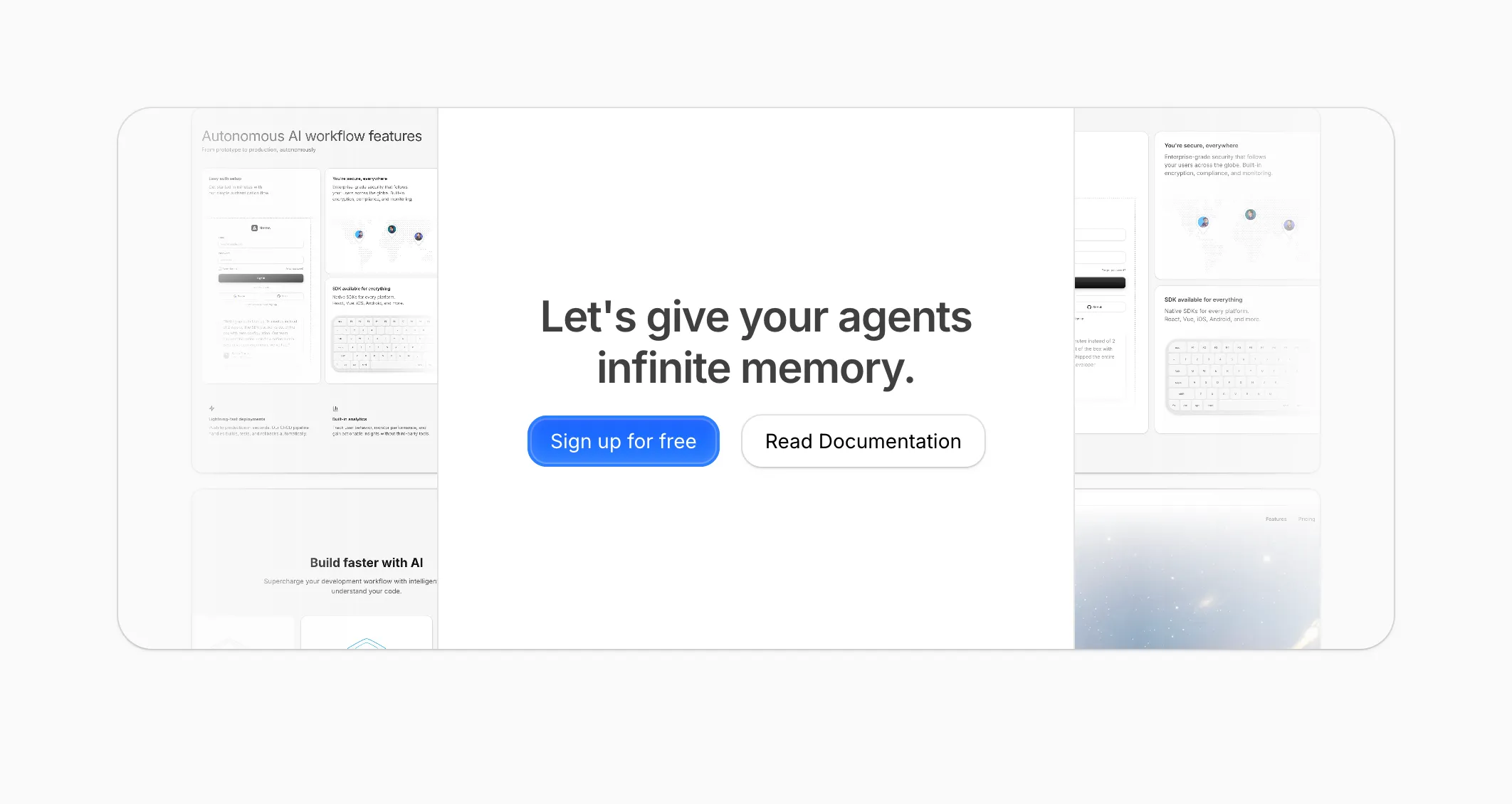
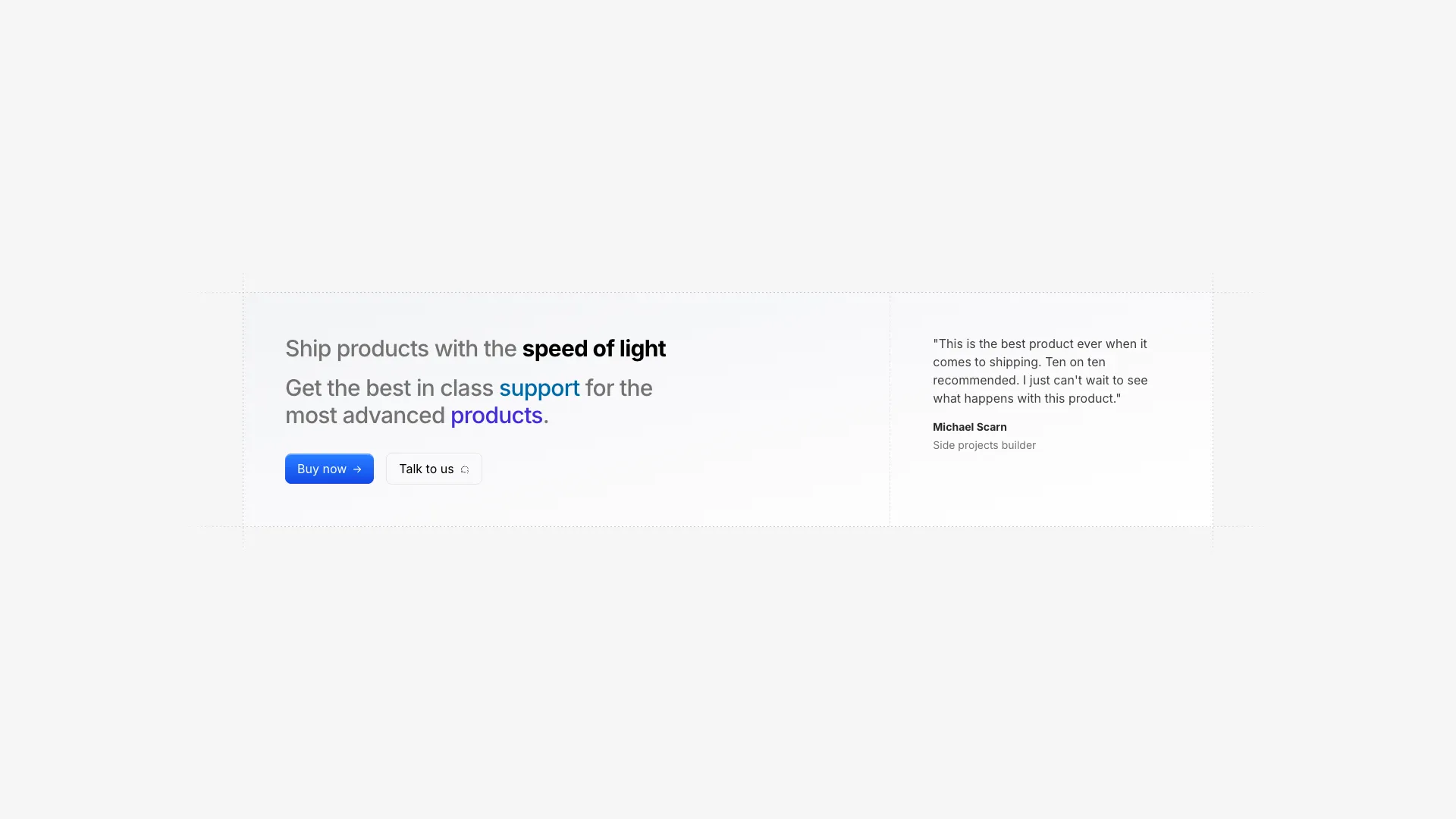
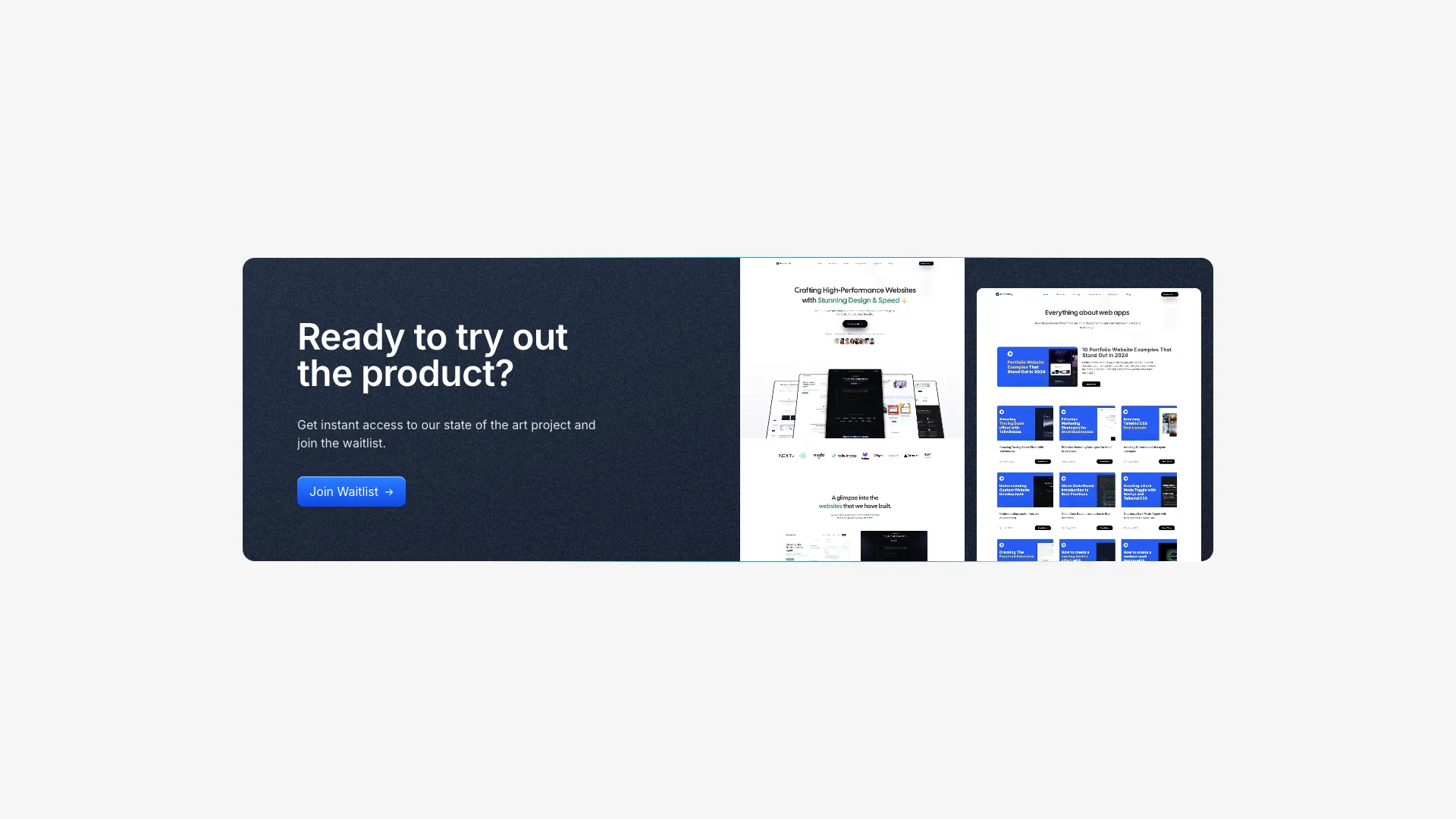
A two-column CTA section with headline, subtext, and a blue brand button on the left, paired with a two-column masonry image layout on the right.
Launch faster with production-ready UI blocks.
Ship polished landing pages in hours. Pick a block, customize it, and move from idea to launch without rebuilding layout primitives.
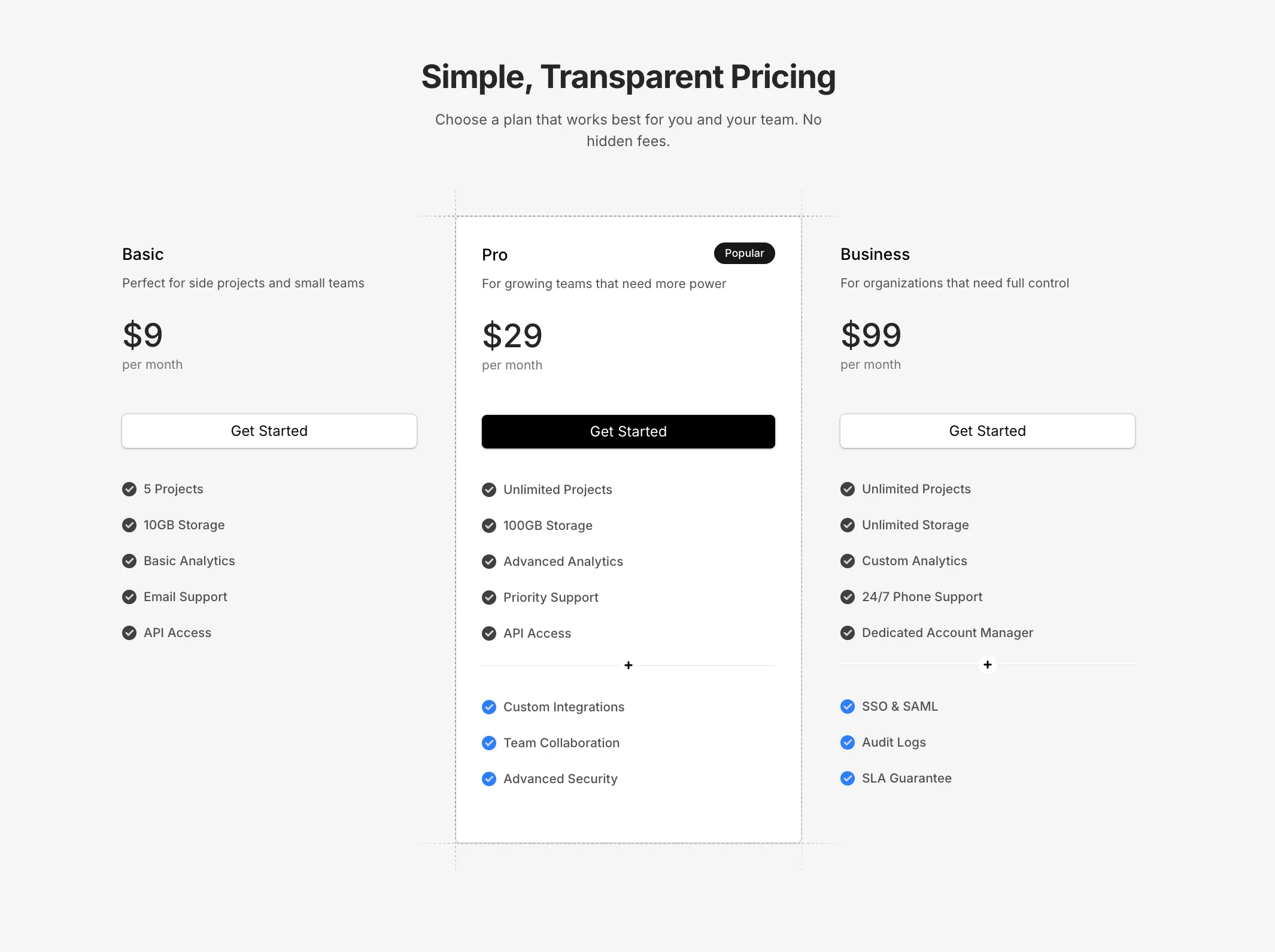
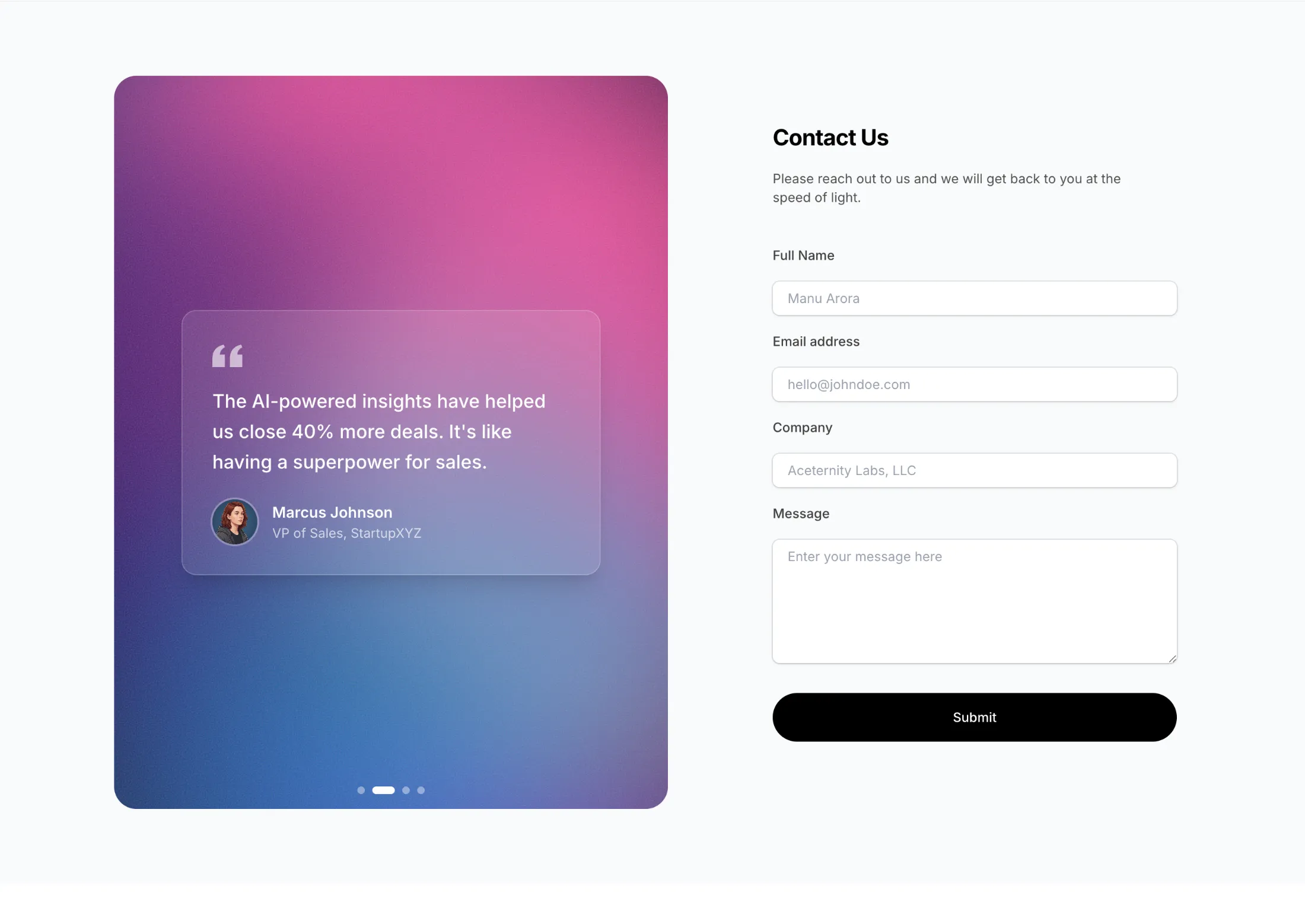
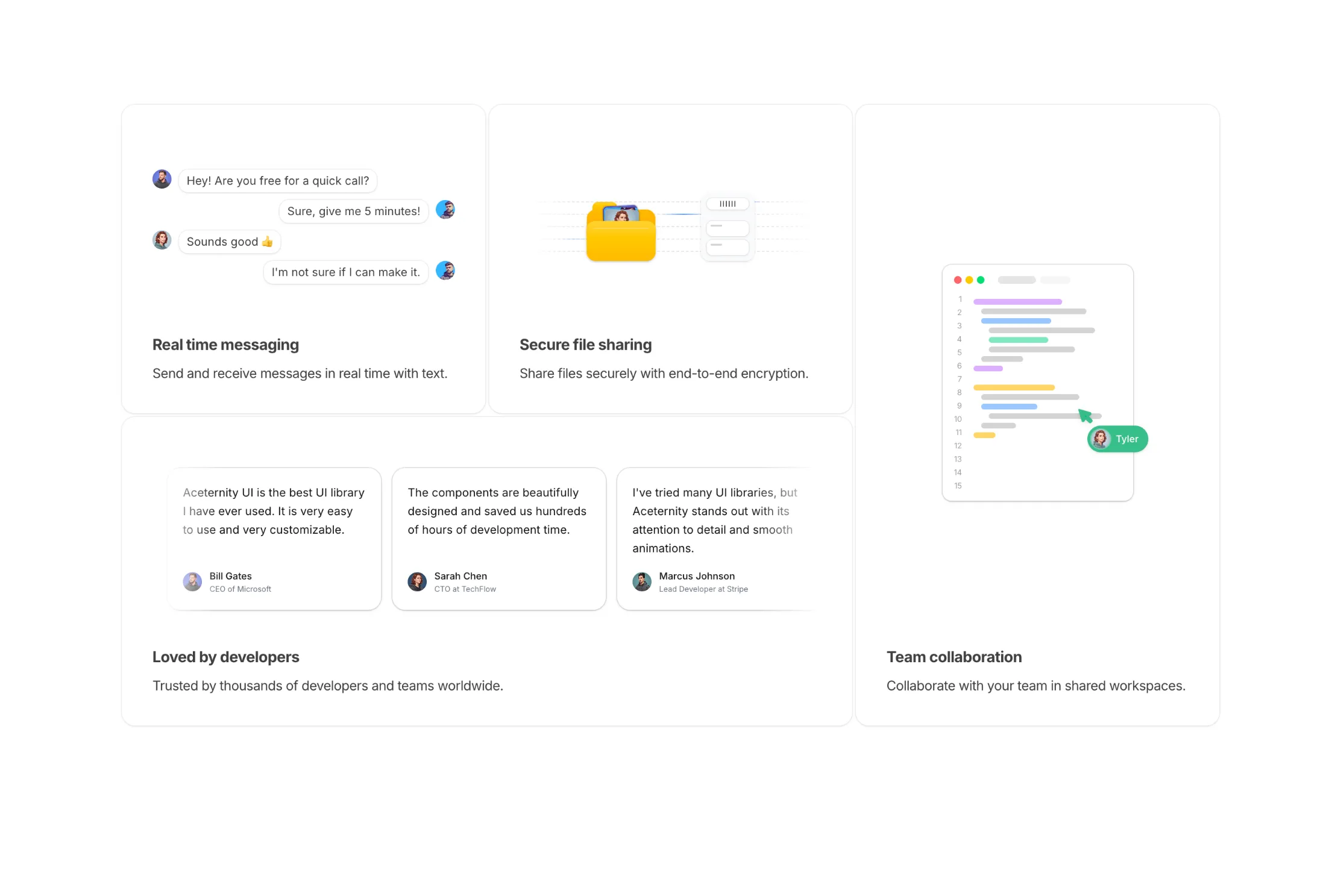


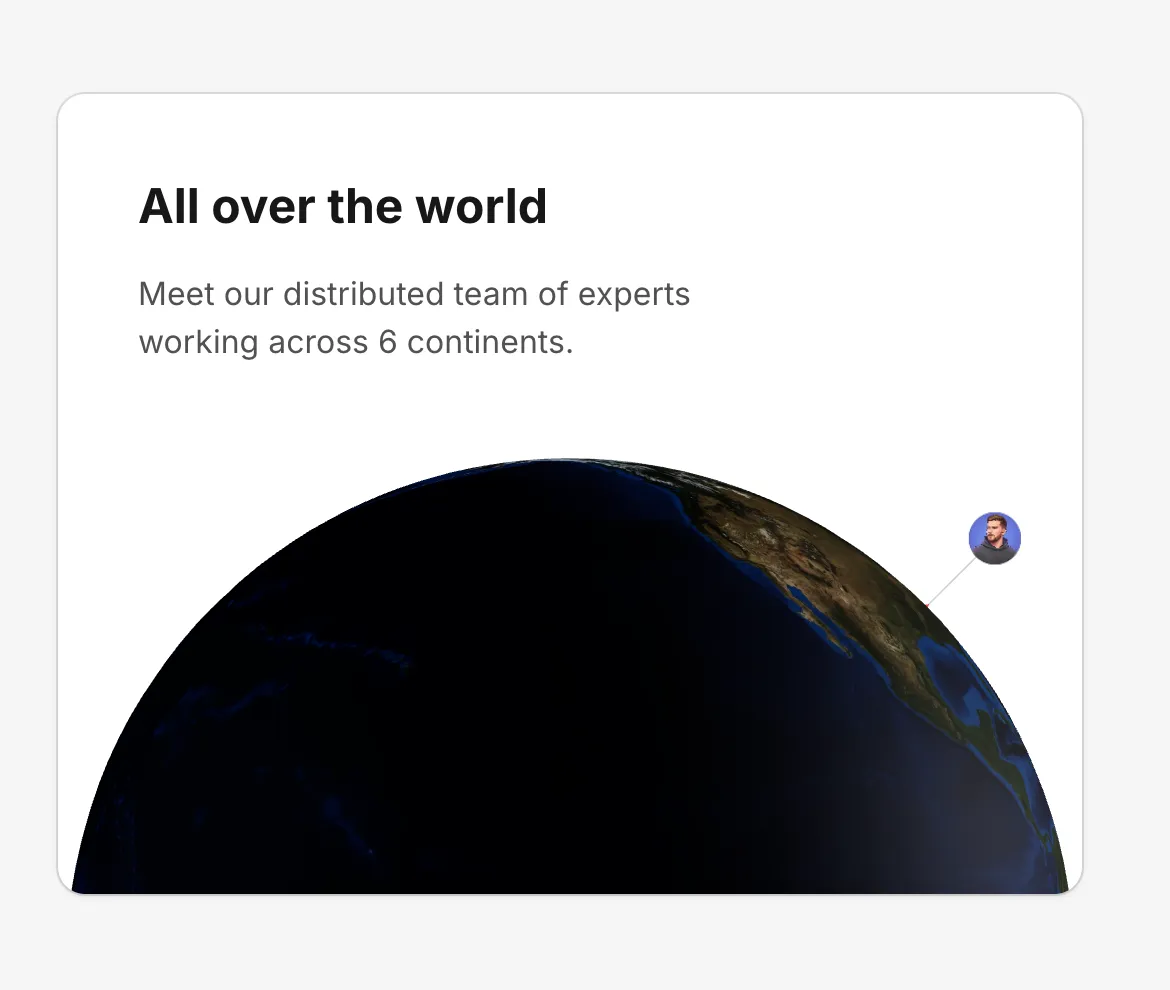
This layout uses a clean two-column CTA composition. The left side includes a strong heading, supporting copy, and a primary button, while the right side presents a rectangular two-column masonry image arrangement to add visual depth.
The image cards use subtle borders and shadows (shadow-sm shadow-black/10 ring-1 ring-black/5) to stay lightweight but defined. The container uses directional fading so the gallery blends naturally into the section edges without any motion.
Works well for SaaS product launches, premium feature announcements, and conversion-focused landing sections where visual examples strengthen the CTA.
More from CTA Sections



Included with All-Access
One payment unlocks the code for this block and every other block, template and page.
Get All-AccessAbout this block
This layout uses a clean two-column CTA composition. The left side includes a strong heading, supporting copy, and a primary button, while the right side presents a rectangular two-column masonry image arrangement to add visual depth.
The image cards use subtle borders and shadows (shadow-sm shadow-black/10 ring-1 ring-black/5) to stay lightweight but defined. The container uses directional fading so the gallery blends naturally into the section edges without any motion.
Works well for SaaS product launches, premium feature announcements, and conversion-focused landing sections where visual examples strengthen the CTA.