Text Animation Flipping Words
A typewriter-style text animation that types and deletes words with 3D flip effects. Characters rotate in with blur as they appear.
Built with
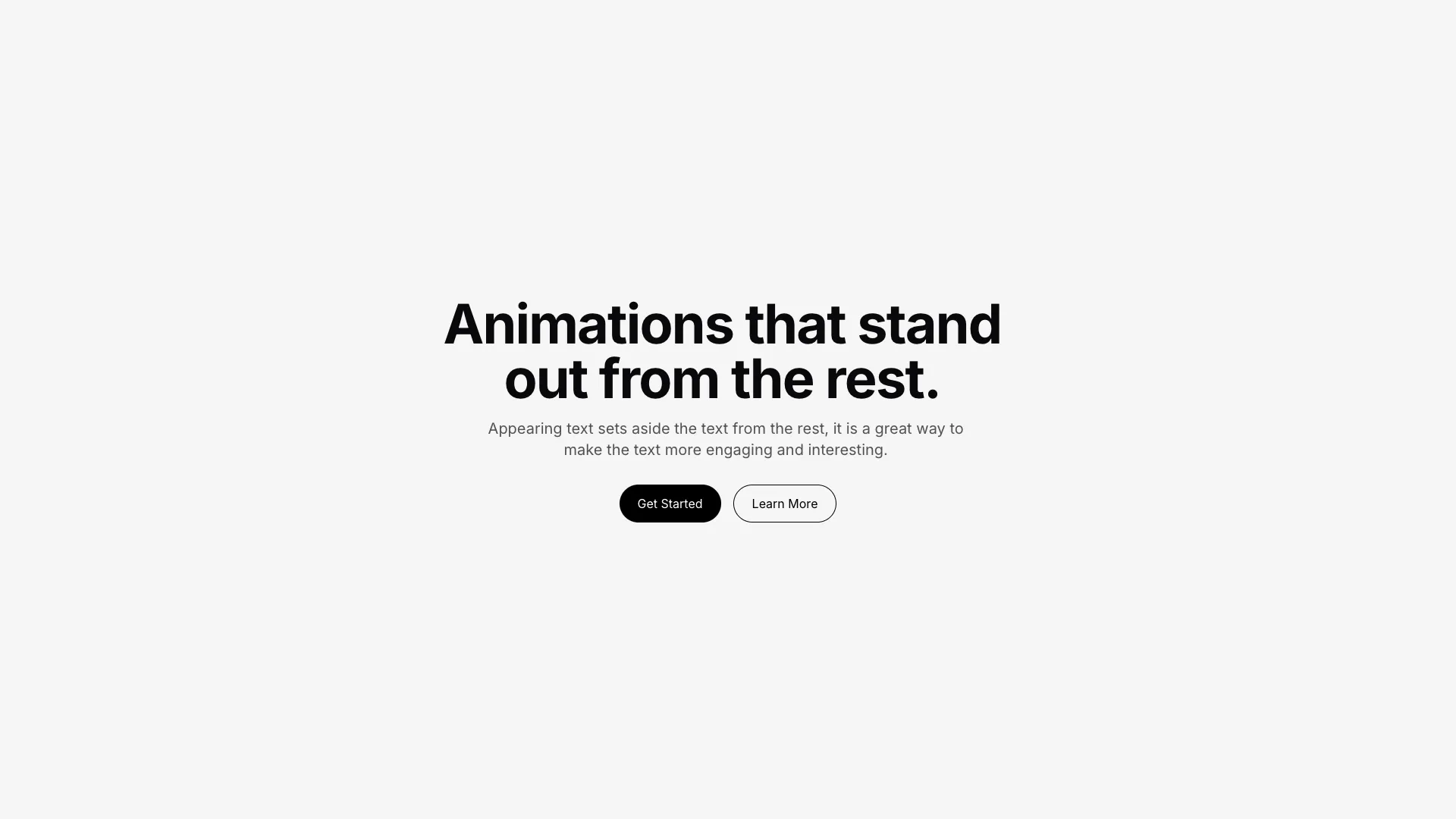
Create stunning animations that bring your website to life. Elevate your user experience with smooth transitions and eye-catching effects that captivate visitors and keep them engaged.
Trusted by leading companies


Getting Started
Learn how to build your first animation in minutes
Advanced Techniques
Take your animations to the next level with these pro tips
Performance Tips
Optimize your animations for smooth rendering
Animation Library
Browse our collection of pre-built animations
Community Showcase
See what others are building with our tools
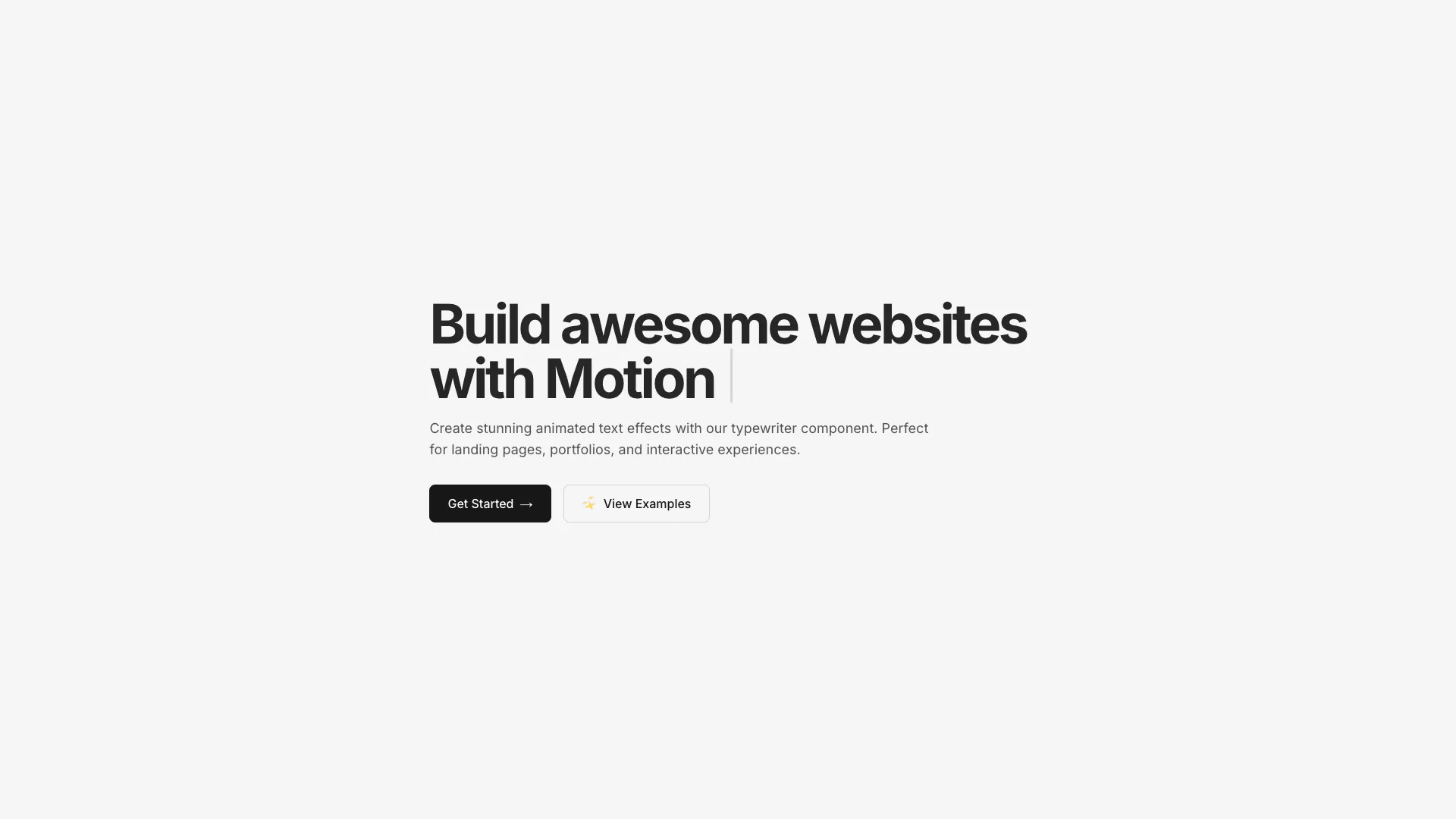
The animation cycles through an array of words, typing each character with a 3D flip effect. Each character rotates 90 degrees on the Y-axis while fading in from blur as it appears.
When a word is complete, there's a pause before the deletion phase begins. Characters delete with the reverse animation (rotating out and blurring). A small cursor dot follows the text, changing color and size based on typing/deleting state.
The cursor pulses through colors (blue to orange) during typing and turns red during deletion. Speed is configurable via typingSpeed, deletingSpeed, and pauseBeforeDelete timing values.
Works well for hero section headlines, landing page intros, or anywhere you want eye-catching text that draws attention without being overwhelming.
More from Text Animations

Included with All-Access
One payment unlocks the code for this block and every other block, template and page.
Get All-AccessAbout this block
The animation cycles through an array of words, typing each character with a 3D flip effect. Each character rotates 90 degrees on the Y-axis while fading in from blur as it appears.
When a word is complete, there's a pause before the deletion phase begins. Characters delete with the reverse animation (rotating out and blurring). A small cursor dot follows the text, changing color and size based on typing/deleting state.
The cursor pulses through colors (blue to orange) during typing and turns red during deletion. Speed is configurable via typingSpeed, deletingSpeed, and pauseBeforeDelete timing values.
Works well for hero section headlines, landing page intros, or anywhere you want eye-catching text that draws attention without being overwhelming.